Feature · ADA codes · US
ADA code lookup (US)
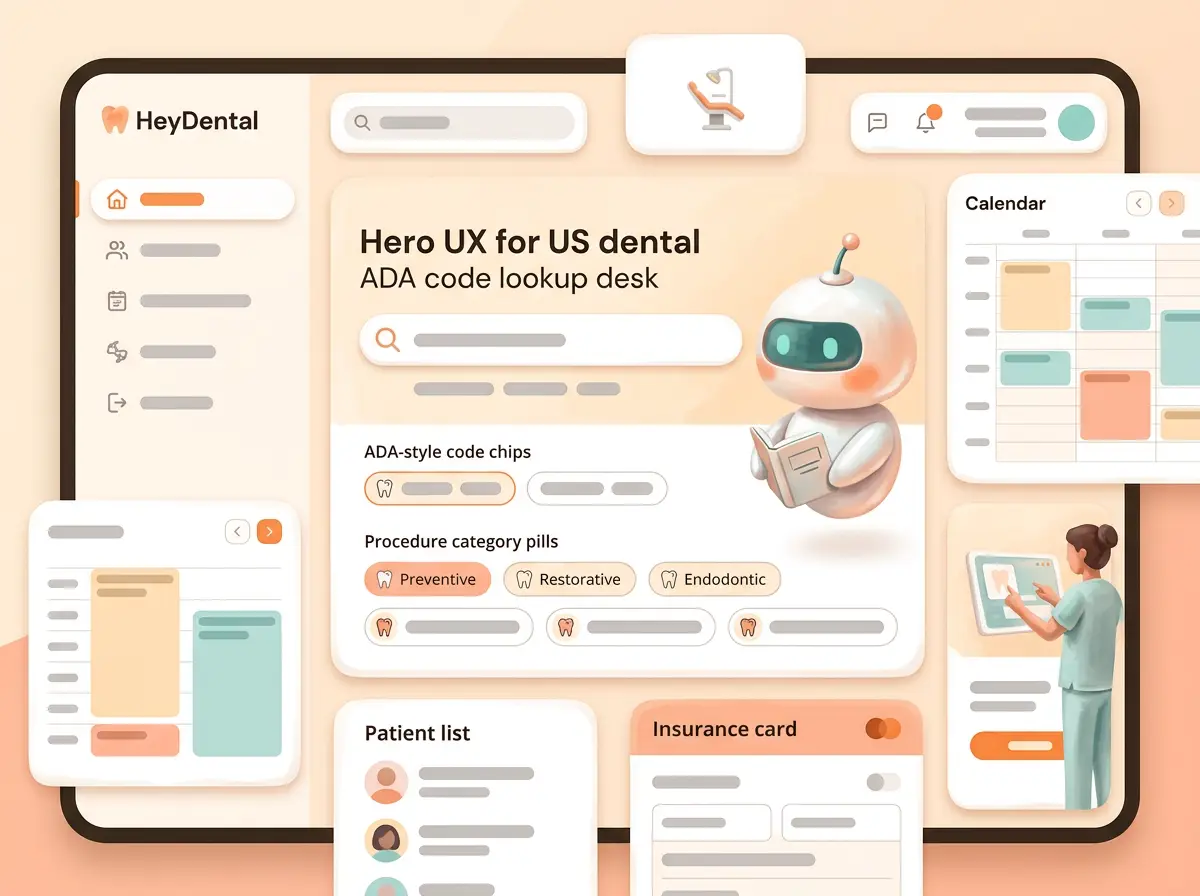
US-only ADA / CDT code lookup beside the chart — search, detail, and add to the treatment plan without a separate codebook tab.
Built for US dental offices. Code lookup sits next to notes, insurance, and estimates.
Descriptions and related codes feed the same plan thread that drives billing checks.
01 · Deep dive
What this feature actually is
ADA code lookup is a HeyDental differentiator for US clinics — not shipped on HeyMed’s generic medical line.
Search procedures, open code detail, and attach codes to the plan the floor already trusts.
Pairs with insurance & billing check so estimates speak the same procedure language.
02 · How it works
From ask to done — one loop
Built as a real surface in the practice OS — not a brochure paragraph.
- 01 · Look upSearch ADA-oriented procedure codes.
- 02 · Read detailClear description without leaving the desk.
- 03 · Attach to planCodes feed estimates and billing checks.
03 · In the clinic
A day with ADA code lookup (US)
How front desk, clinicians, and agents touch the same truth.
- 01Search
Find the procedure without leaving the OS.
- 02Confirm detail
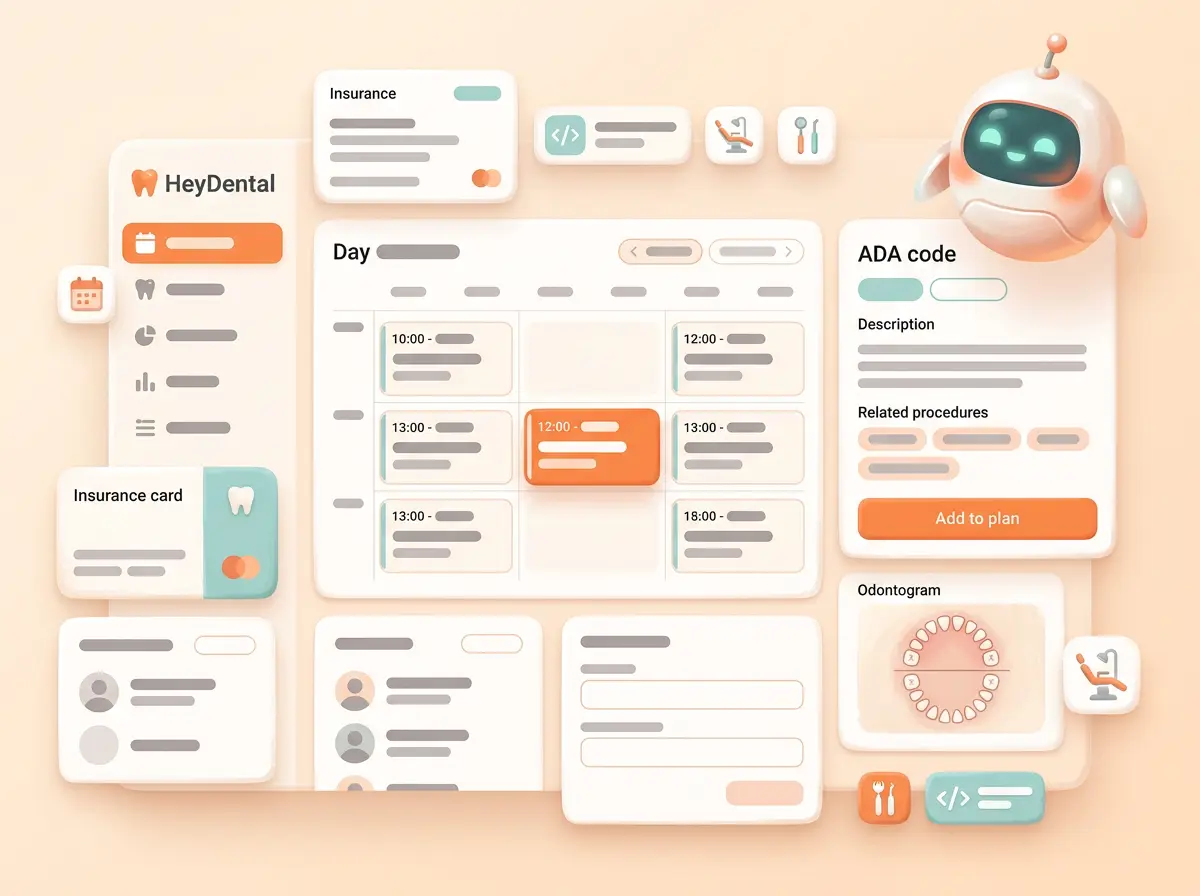
Description and related codes on one panel.
- 03Add to plan
Same treatment-plan thread as estimates and billing checks.
04 · Product illustrations
See the surface
UX-style illustrations — fictional Lumen only. Each tile echoes the real product layout without photo screenshots.

05 · What you get
Included with this building block
- US ADA / CDT-oriented lookup in the practice OS
- Code detail beside the chart — not a PDF binder
- Add-to-plan handoff into estimates
- Locks into notes, insurance, and accounting
06 · Why clinics care
Robust, reliable, and in the same OS
- US dental-onlyADA lookup is not a HeyMed medical generic.
- Chart-adjacentCodes live with notes and plans.
- Feeds billingSame language as insurance & billing check.
Ready to see the full platform?
Compare approaches, browse every feature, or join the waiting list.