
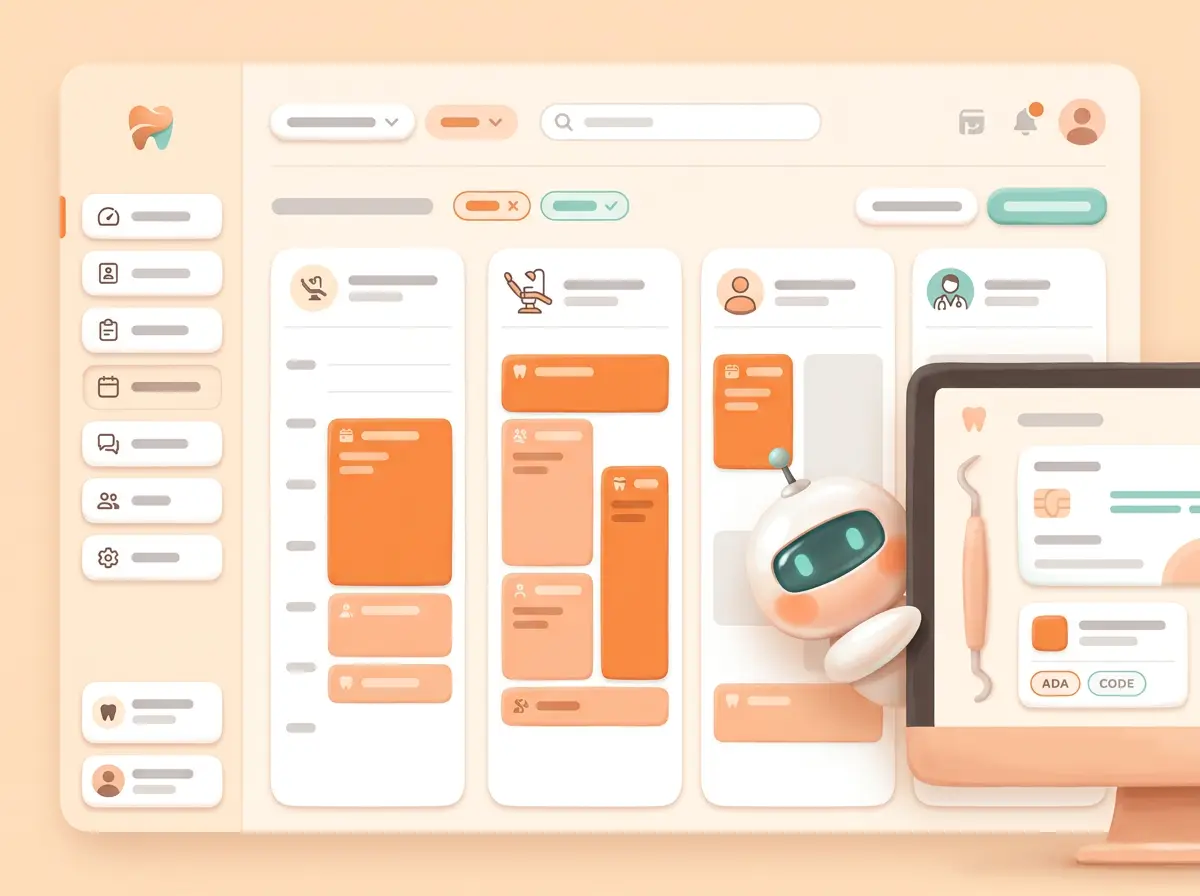
Office calendar
One shared calendar for chairs, hygienists, and dentists.
- Book chairs and providers on one list
- Cut no-shows with clear day views
- Keep the schedule honest across desks
- Handoffs stay visible to the whole team
 HeyDental
Robots that help dentists and hygienists run the practice — every HeyMed building block, plus US ADA code lookup and insurance & billing check — in one calm peach place.


All HeyMed features, plus US dental ADA code lookup and insurance & billing check. Medical specialties that need a generic practice OS stay on HeyMed.
One peach-washed workspace. Friendly robots. No purple “AI” dashboard.
One shared calendar for chairs, hygienists, and dentists.
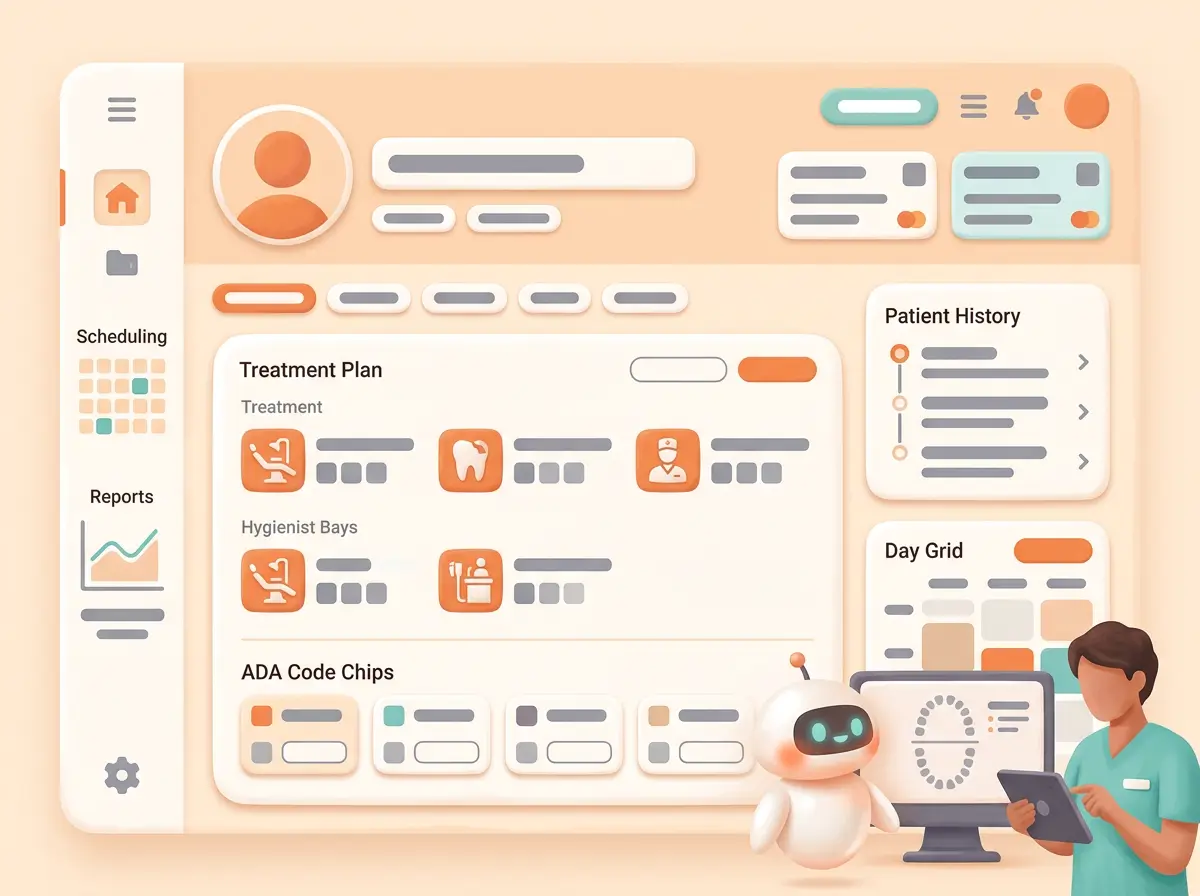
Every patient in one record — not a stack of spreadsheets.
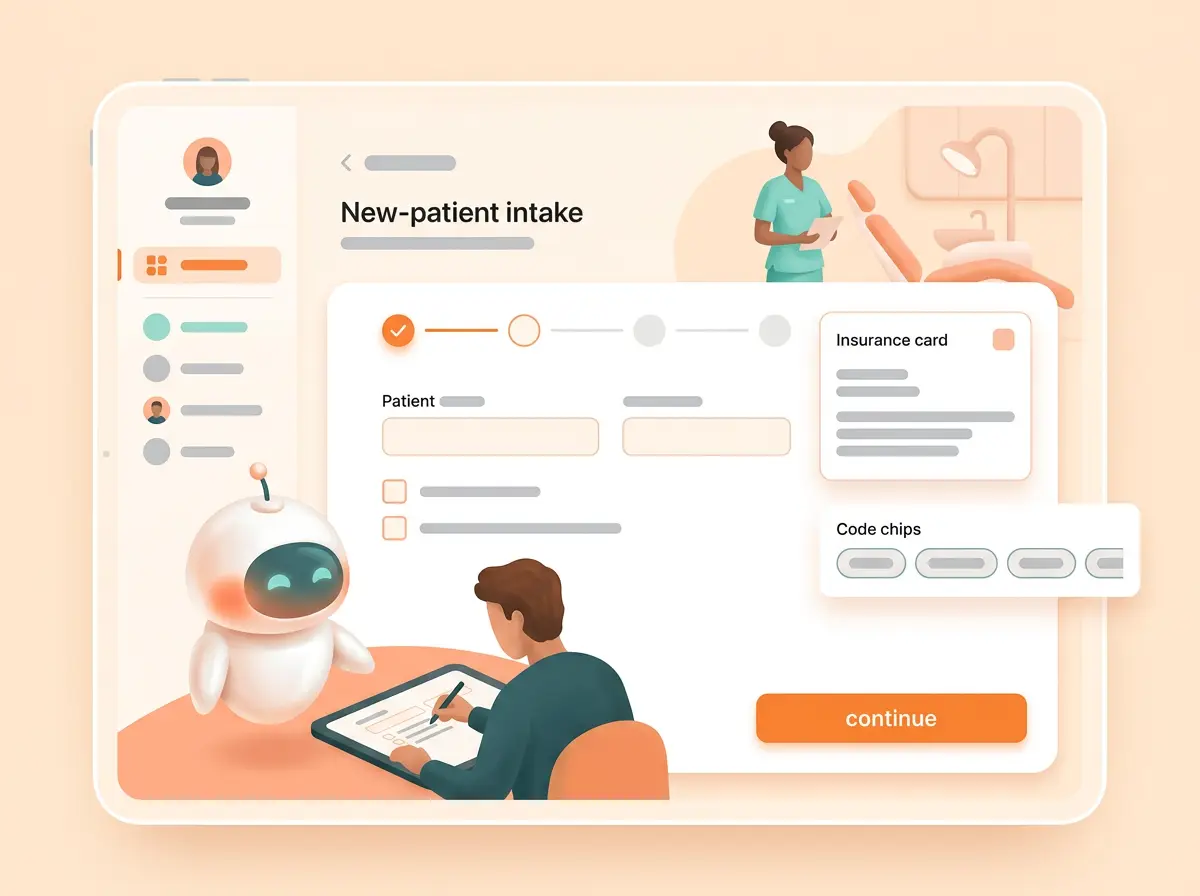
New-patient dental forms filled once and filed before chair time.
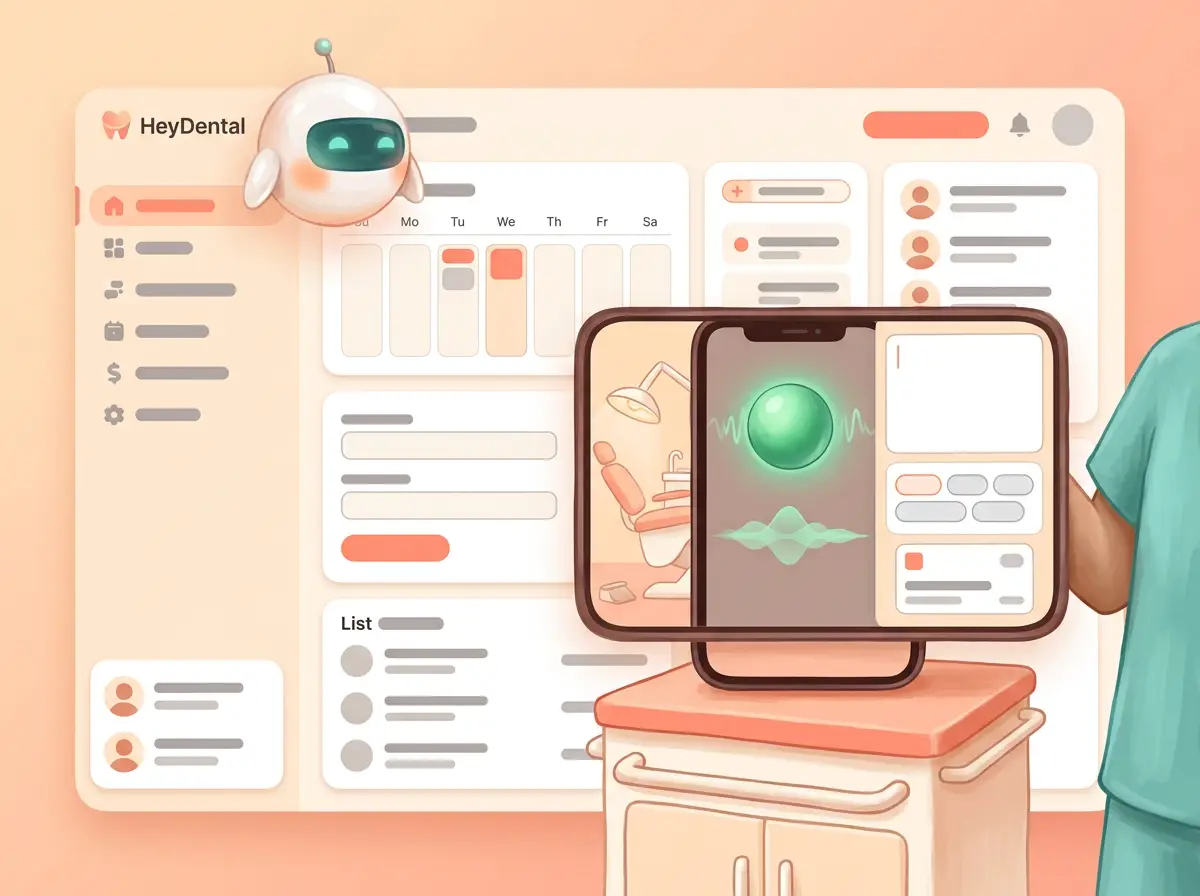
Speak the visit into an iPhone; a green listening ball turns voice into a chart note and summary.
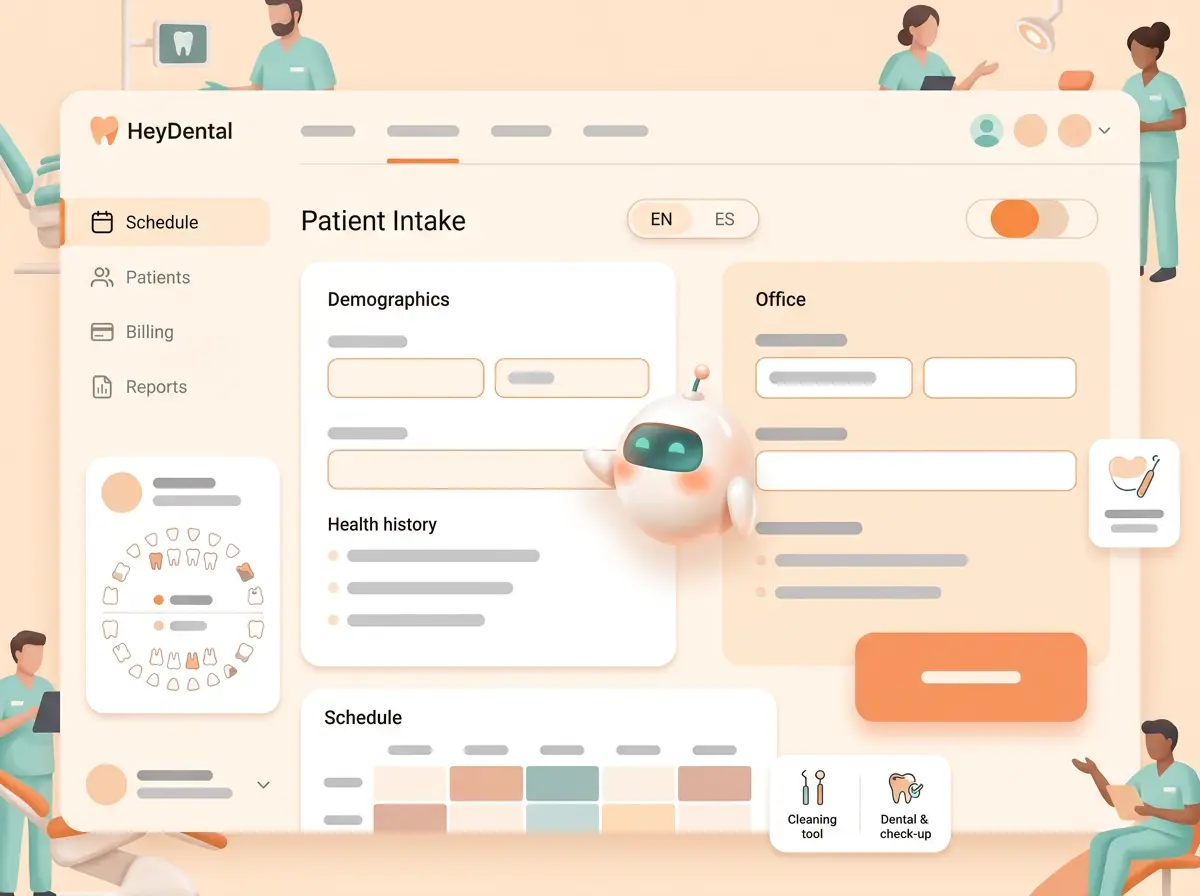
Patients fill intake in their language; the chart stays in the office language.
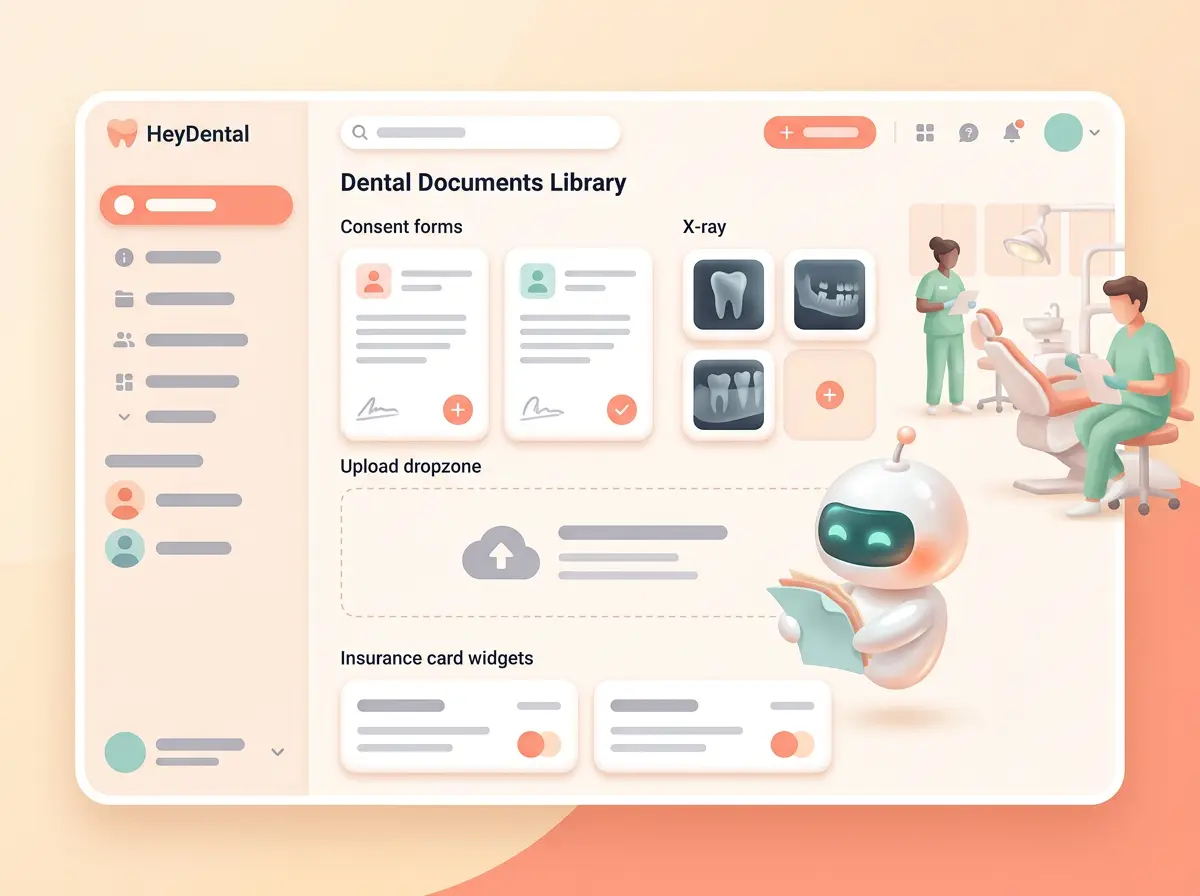
Scan paper packets, cards, and consents into the chart.
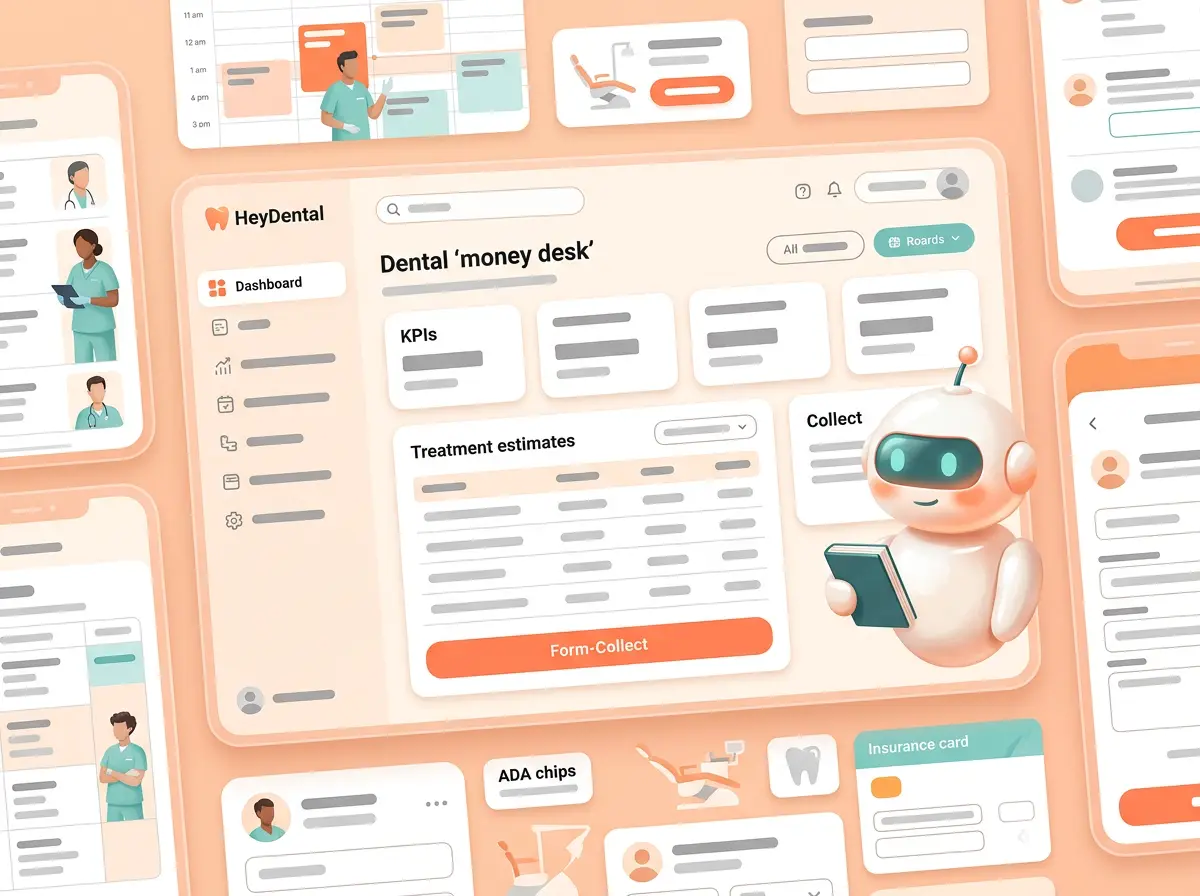
Office money desk beside quotes, invoices, and payments.
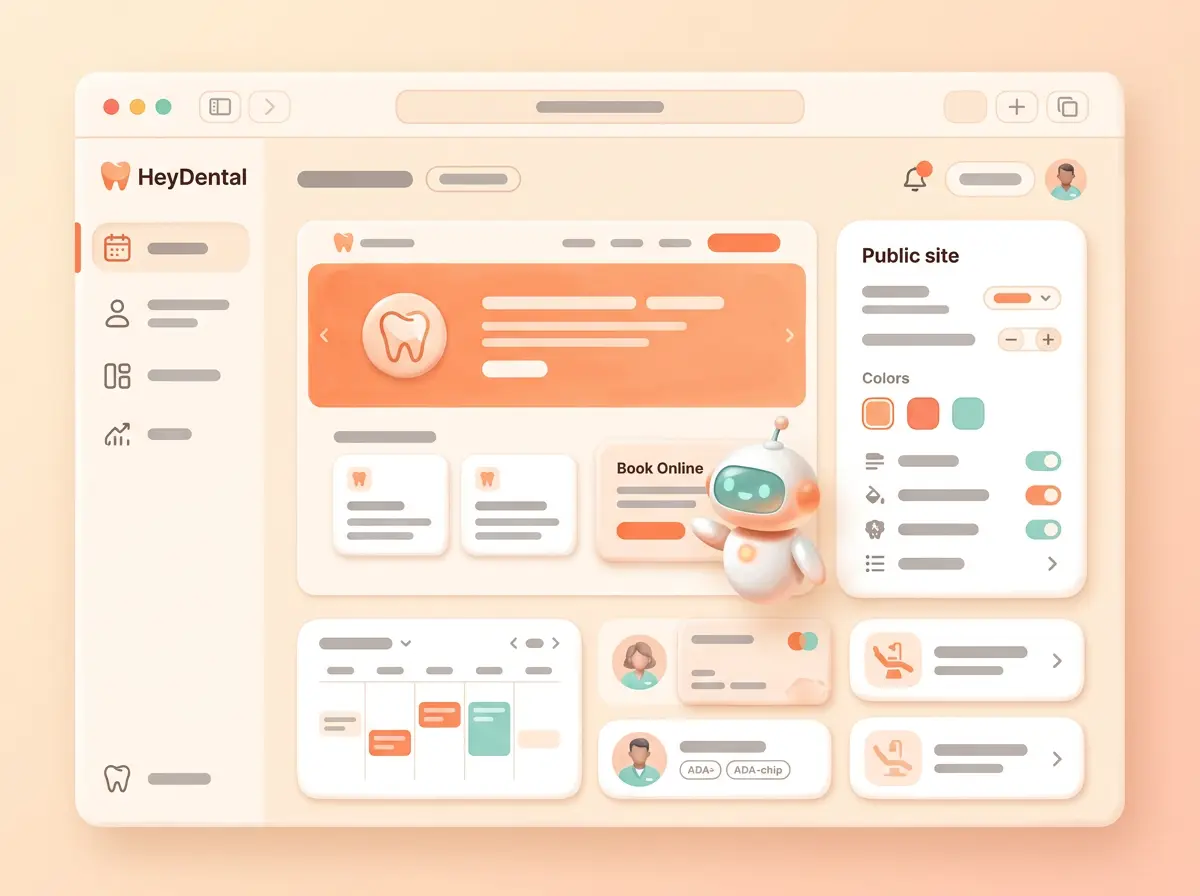
A public site that books and starts intake — from your office content.
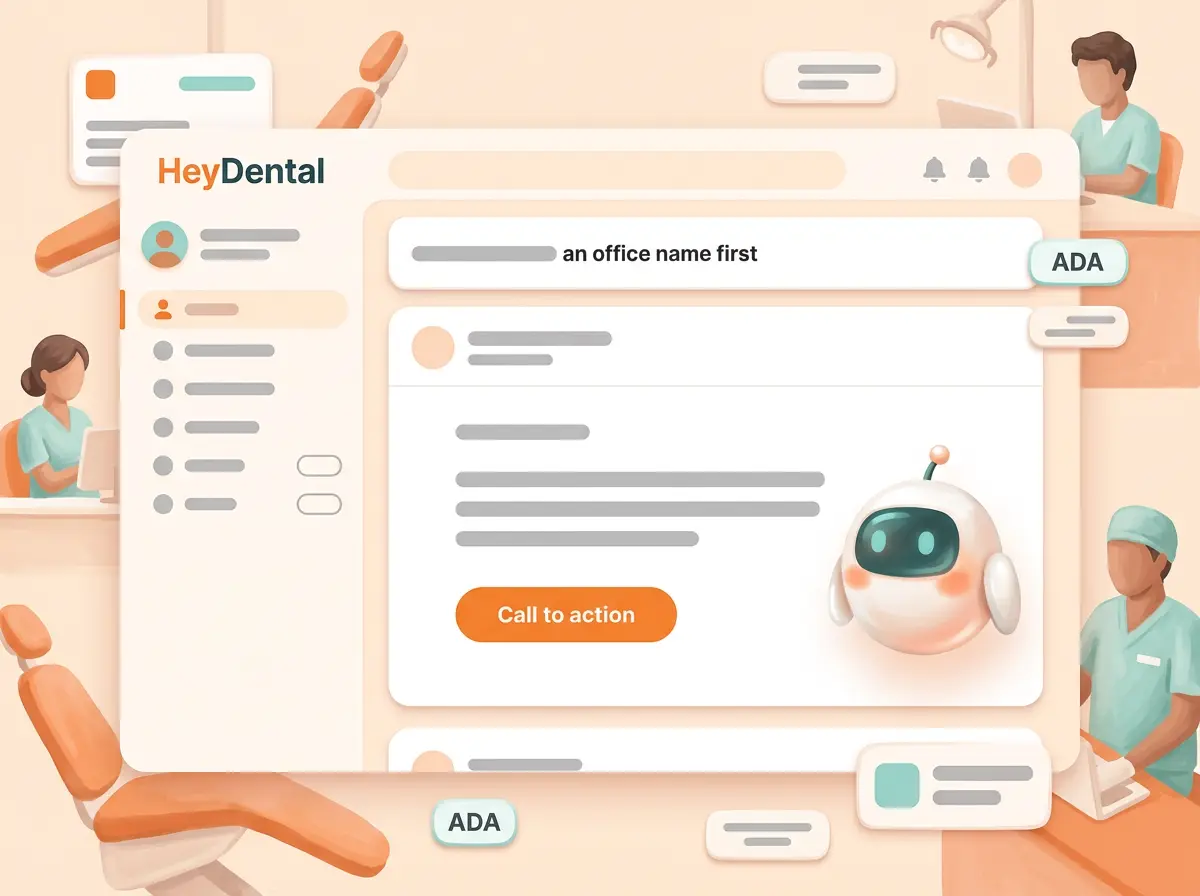
Confirmations, recalls, and soft nudges — clinical tone.
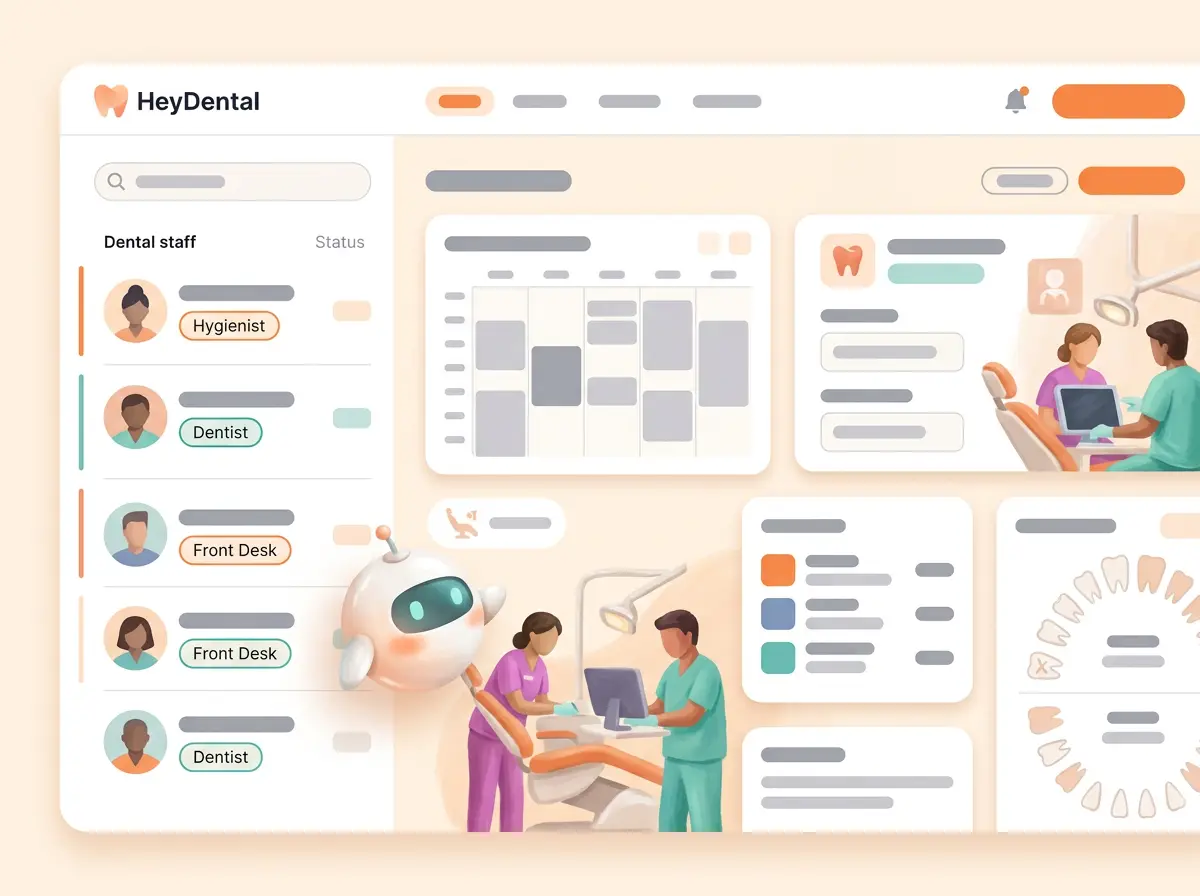
Roles, desks, and handoffs with a clear owner for the next step.
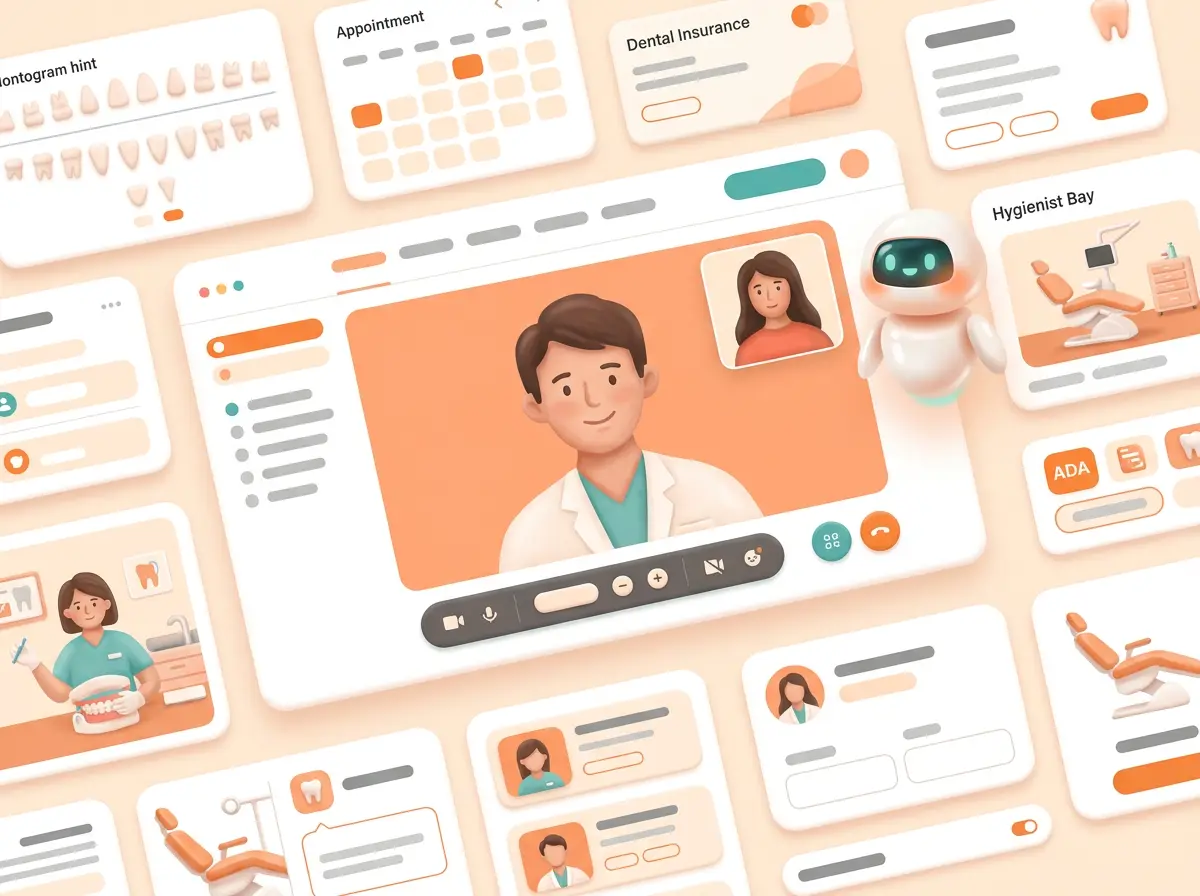
Schedule, email a join link, admit from the waiting room, and write the outcome on the same patient record.
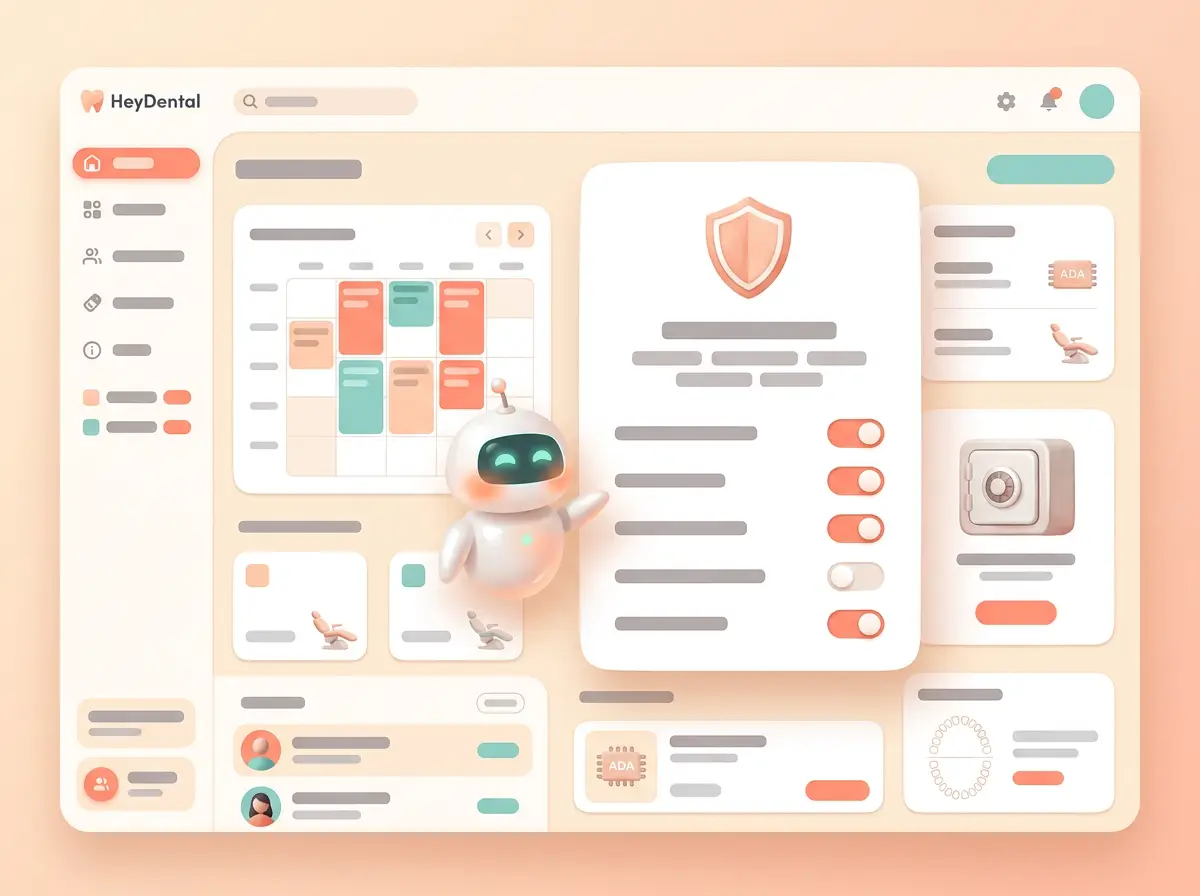
How we protect patient and clinic data — while HIPAA compliance for US customers is under development.
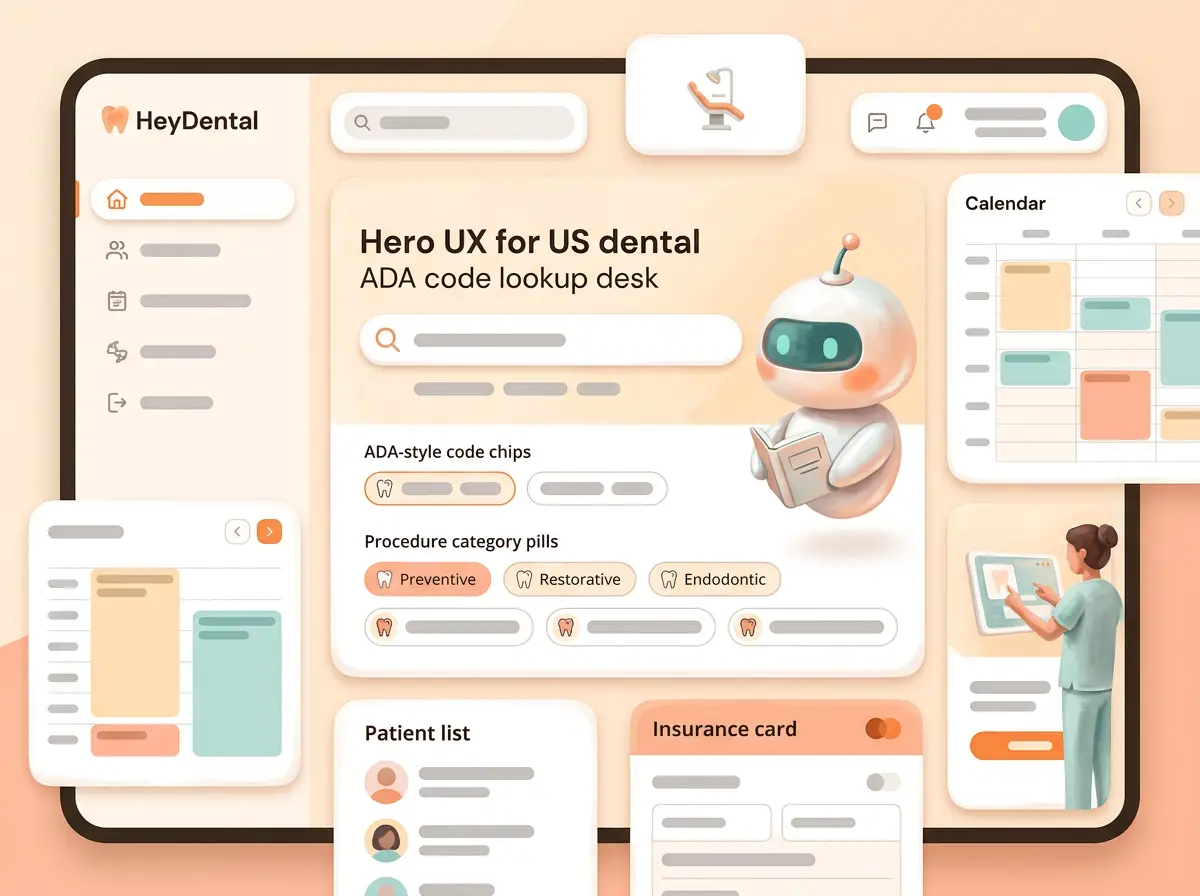
US-only ADA / CDT code lookup beside the chart — search, detail, and add to the treatment plan.
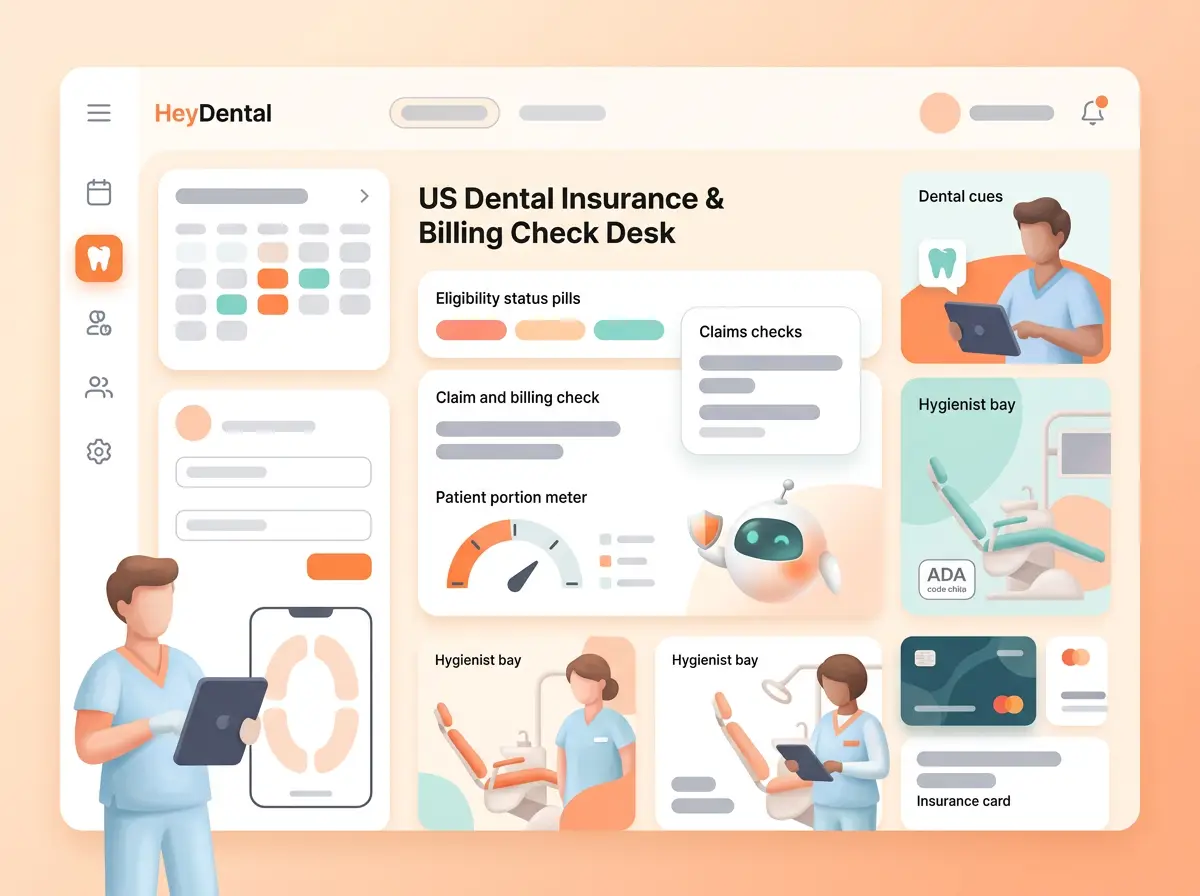
US-only eligibility and billing checks — estimates and claim readiness on the same patient record.
HeyDental vs three of the most common US dental practice management systems — and the homegrown stack many offices still glue together with Excel, Calendly, Zoom, and chat apps.
| HeyDental | Dentrix | Open Dental | Eaglesoft | Homegrown stack | |
|---|---|---|---|---|---|
| What it is | One agent runtime for the dental practice — every HeyMed block plus US ADA & billing check | Long-standing Henry Schein PMS — charting, schedule, billing on clinic Windows workflows | Widely used open-core dental PMS — strong clinical + practice tools, office-managed install | Patterson dental PMS — front desk, charting, and imaging in a classic clinic suite | Excel + Calendly + Zoom + WhatsApp / email + a card reader — staff are the integration layer |
| Scheduling | Agents book, confirm, and fill chair gaps on one shared clock | Front desk drives the Dentrix appointment book | Built-in appointment module; online booking often add-on or custom | Built-in schedule; online booking usually a partner or portal | Calendly / Google Calendar — not tied to chart or ledger |
| ADA code lookup (US) | First-class ADA / CDT lookup beside the chart and plan | Codes inside the PMS procedure lists | Procedure codes inside the PMS | Procedure codes inside the PMS | PDF binders, ADA site tabs, or “ask the biller” |
| Insurance & billing check (US) | US-only eligibility + billing checks on the same patient record | Clearinghouse / eClaims workflows inside Dentrix ecosystem | Insurance module + clearinghouse integrations | Insurance / eClaims through Patterson workflows | Spreadsheets + phone calls to payers — no claim thread |
| Clinical notes | Chairside iPhone transcription + summary filed to the chart | Typed / templated notes in the PMS | Typed / templated chart notes | Typed / templated chart notes | Voice memos + retyping into whatever doc wins that day |
| Intake & translation | Digital intake + dual-language PDFs in the OS | Forms / patient engagement often via add-ons | Forms / eForms via modules or partners | Forms via suite or partners | Paper packets, Jotform, or email PDFs |
| Telehealth / video | Integrated waiting room + 1:1 video; outcome on the chart; recording off by default | Usually a pasted Zoom / Meet link beside the appointment | Usually external video; not a native visit record | Usually external video; not a native visit record | Zoom / Google Meet / FaceTime — no visit record in the practice system |
| Patient messaging | Inbox + SMS/email in-product (office name first, STOP + privacy) | Reminders / engagement often through Demandforce-style partners | Built-in or partner messaging | Built-in or partner messaging | WhatsApp, Instagram, personal cell — manual triage |
| Money / estimates | Treatment estimates, invoices, Stripe-tokenized pay on the same thread | Ledger and statements inside Dentrix | Account module + statements inside Open Dental | Ledger / statements inside Eaglesoft | Square / Stripe standalone + Excel — no treatment-plan thread |
| Website & booking | Practice site + booking generated from the OS | Separate site / agency; booking widget pasted in | Separate site; optional patient portal | Separate site; optional patient portal | Wix / Squarespace + Calendly link in the bio |
| AI / agents | Agents with live tools across schedule, CRM, insurance, and messages | Vendor “AI” features or bolted chatbots on old screens | Community plugins / emerging AI add-ons — still mostly staff-operated | Vendor AI / partner tools — still mostly staff-operated | ChatGPT + Zapier recipes that break when someone renames a Sheet tab |
| IT burden | Cloud practice OS — no clinic server required | Workstation / server culture, updates, imaging bridges | Self-hosted or hosted options; office owns more of the stack | Clinic workstations + Patterson support model | Dozens of logins; no single admin model |
| Where it shines | One system runs the jobs offices currently stitch together | Deep installed base and familiar front-desk muscle memory | Flexible clinical tooling and community ecosystem | Tight Patterson + imaging habit for many offices | Cheap to start; flexible per market |
| Where it falls short | Not a clone of every Dentrix/Open Dental quirk on day one | Hard to become agent-native without sidecars | Still mostly staff-operated; online/agent story is uneven | Still mostly staff-operated; modern agent runtime is not the core | No single source of truth — breaks under volume |
Homegrown stack = Excel / Google Sheets, Calendly (or similar), Zoom / Meet, WhatsApp or SMS threads, card readers, and a DIY website — with humans copying context between them.
Tell us how the office runs today. We’ll invite practices as robots finish the floors.