Feature · Notes
Medical notes · transcribe & summarize
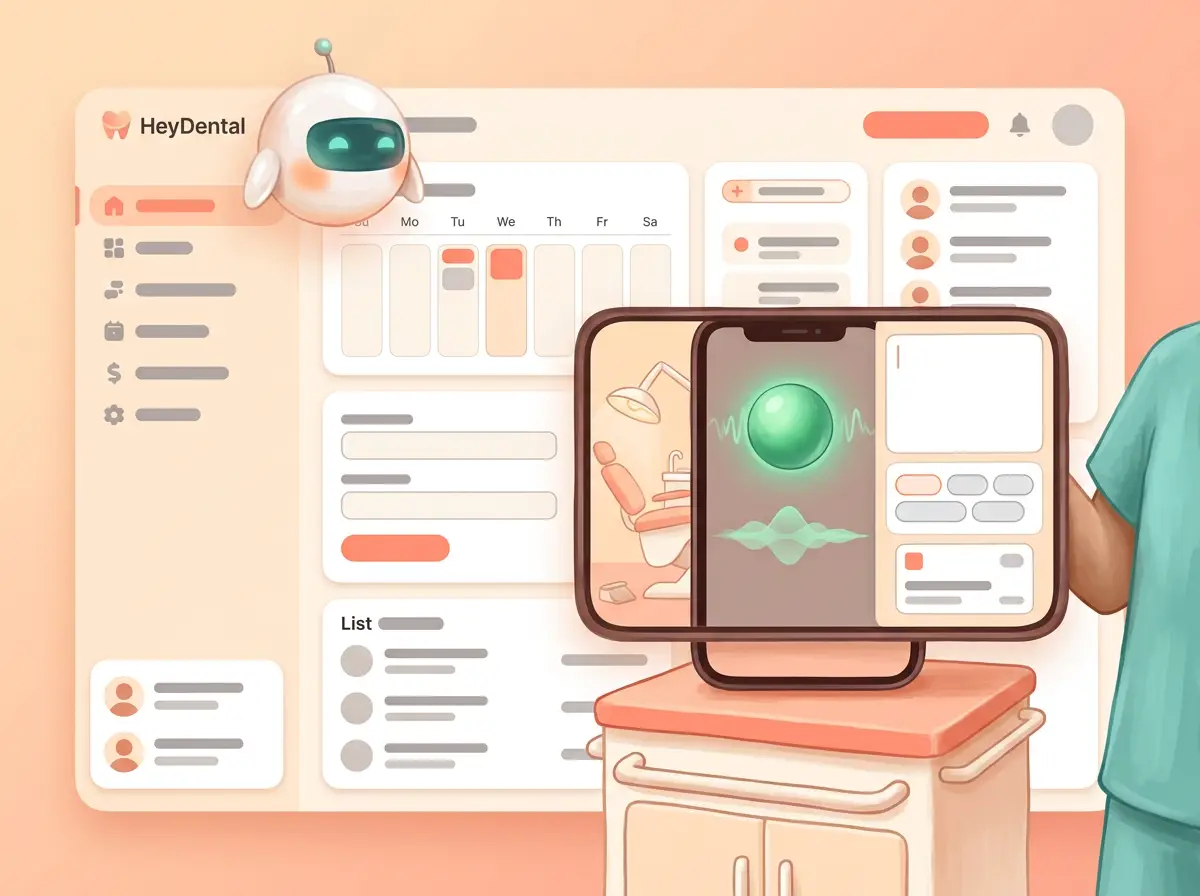
Speak the visit into an iPhone; a green listening ball turns voice into a chart note and summary — CDT-ready for dental chairs.
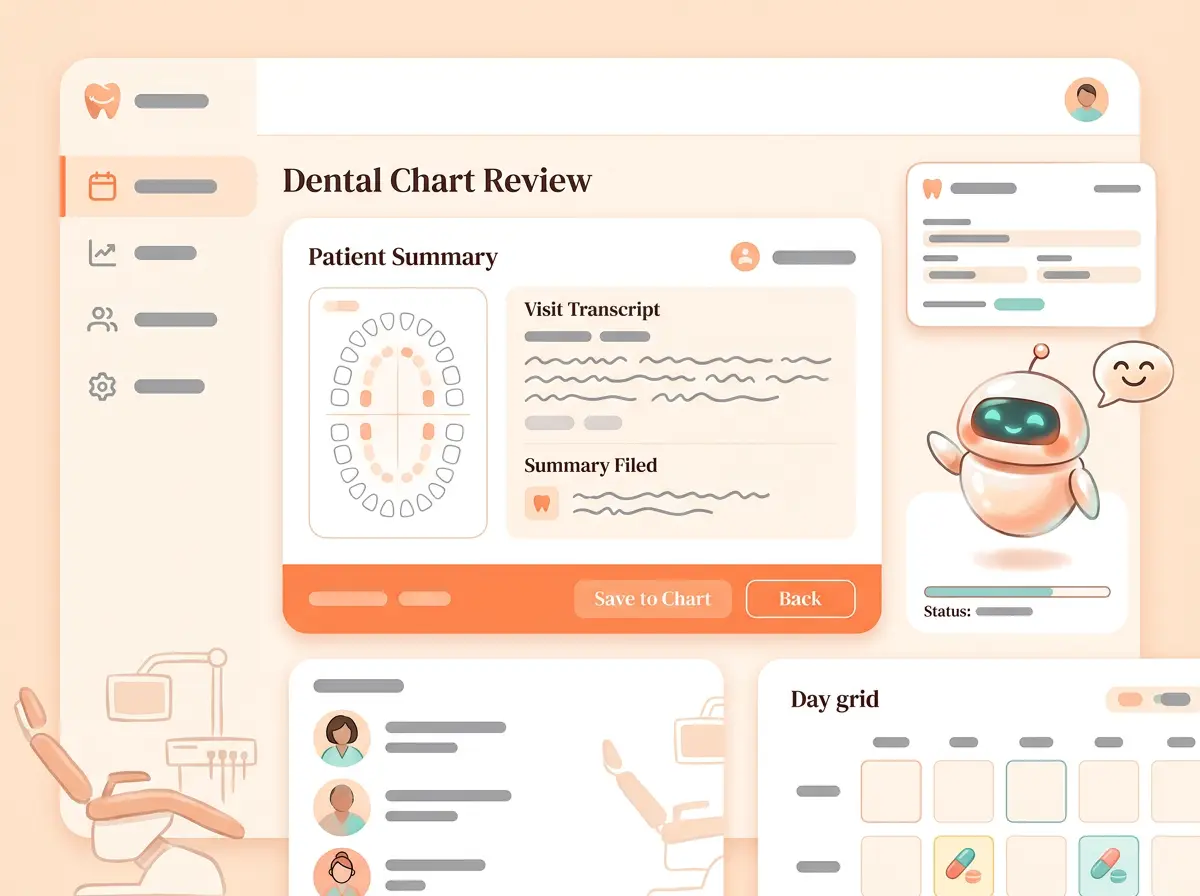
Stay with the patient while transcript and summary file together; odontogram and chart context stay in the same OS.
CDT-oriented structure helps billing without inventing codes in marketing copy.
01 · Deep dive
What this feature actually is
Chairside notes ride an iPhone with a green listening ball — not a giant free-floating orb tile.
Transcript and summary file together; CDT-oriented structure helps billing without inventing codes in marketing copy.
Odontogram and chart context stay in the same practice OS.
02 · How it works
From ask to done — one loop
Built as a real surface in the practice OS — not a brochure paragraph.
- 01 · Speak the visitiPhone listens with a green ball.
- 02 · Shape the noteSummary ready for the chart.
- 03 · File onceNext desk already has context.
03 · In the clinic
A day with Medical notes · transcribe & summarize
How front desk, clinicians, and agents touch the same truth.
- 01Listen
Phone on the counter while you examine.
- 02Summarize
Visit summary when the encounter ends.
- 03File
Note + summary on the chart for the next visit.
04 · Product illustrations
See the surface
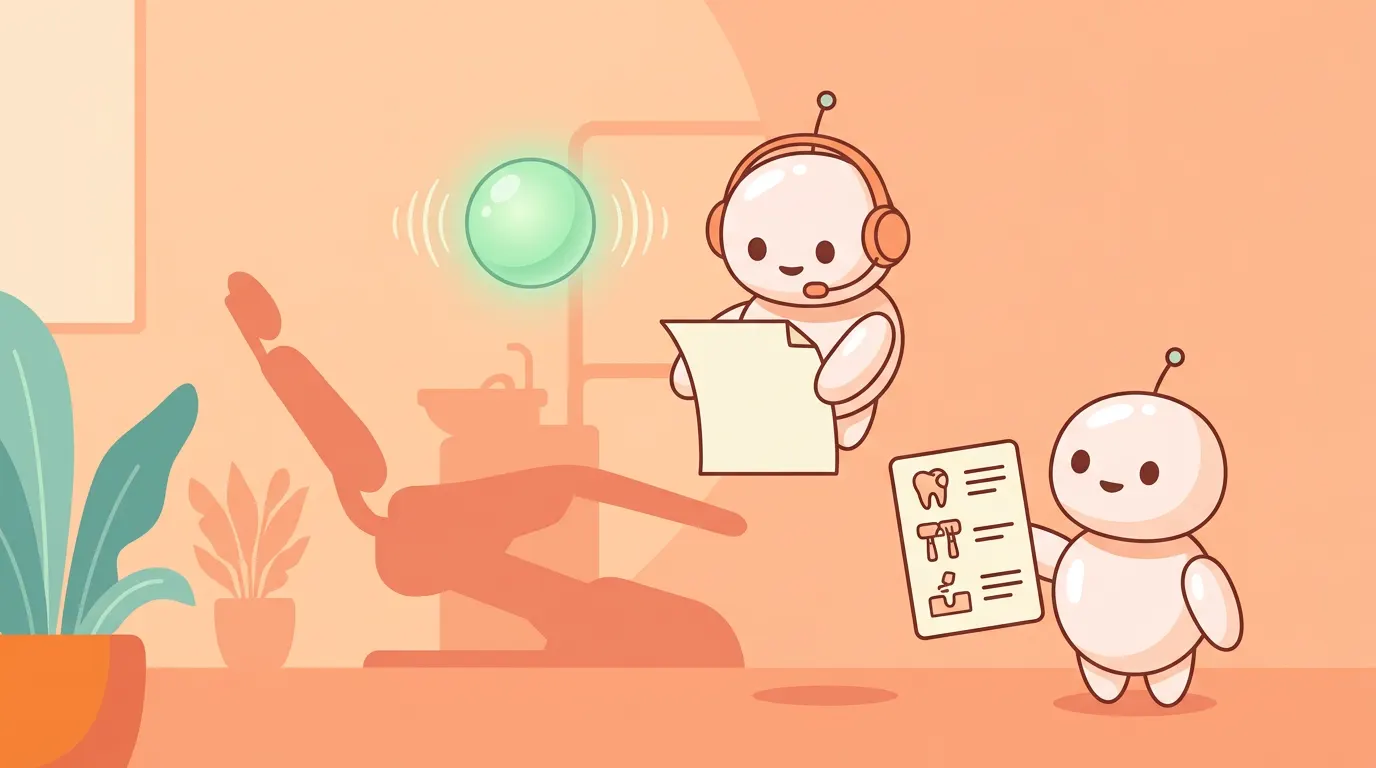
UX-style illustrations — fictional Lumen only. Each tile echoes the real product layout without photo screenshots.
05 · What you get
Included with this building block
- Live transcription while you examine
- Visit summary when the encounter ends
- Transcript and summary filed together
- iPhone + green listening ball — dental chairside
06 · Why clinics care
Robust, reliable, and in the same OS
- Hands with the patientNot another desktop tab.
- Chart-nativeNotes live with CRM and insurance.
- Dental-shapedCDT-aware structure — not a generic medical note only.
Ready to see the full platform?
Compare approaches, browse every feature, or join the waiting list.