Feature · Telehealth
Telehealth video visits
Schedule, email a join link, admit from the waiting room, and write the outcome on the same patient record.
Recording off by default. Offices see Enabled / Disabled — never API keys. Not a HIPAA claim.
Consults and follow-ups stay in the dental OS with calendar, CRM, and notes.
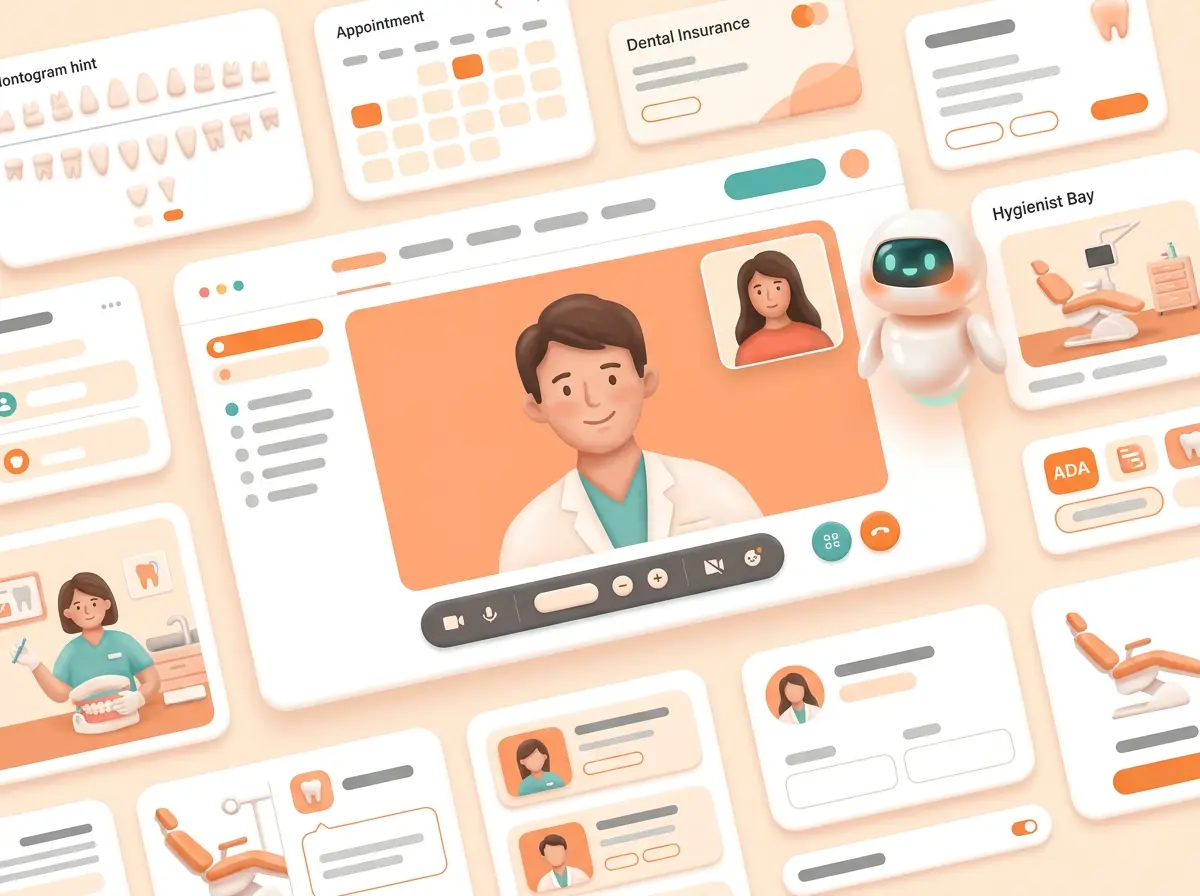
01 · Deep dive
What this feature actually is
Dental telehealth for consults and follow-ups lives in the same OS as the chart.
Waiting room before the video token; one room per visit; max two people.
Super Admin owns Twilio Video; offices only toggle Enabled/Disabled.
02 · How it works
From ask to done — one loop
Built as a real surface in the practice OS — not a brochure paragraph.
- 01 · Book the visitOn the practice calendar.
- 02 · Join with a linkPatient waiting room first.
- 03 · Write the outcomeBack on the chart.
03 · In the clinic
A day with Telehealth video visits
How front desk, clinicians, and agents touch the same truth.
- 01Schedule
Slot on the shared calendar.
- 02Admit
Waiting room, then 1:1 video.
- 03File outcome
Note on the same patient record.
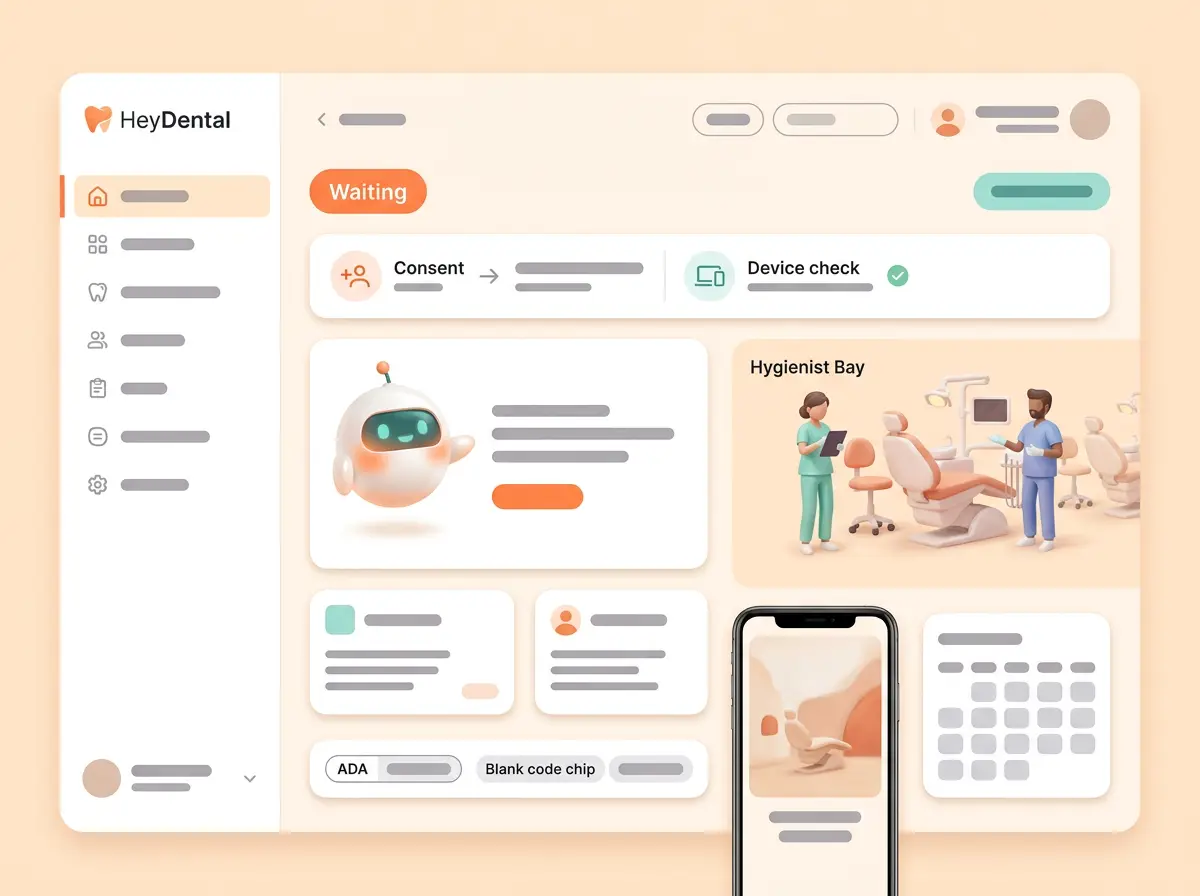
04 · Product illustrations
See the surface
UX-style illustrations — fictional Lumen only. Each tile echoes the real product layout without photo screenshots.

05 · What you get
Included with this building block
- One room per visit · max two people
- Waiting room before the video token
- Recording off by default
- Offices see Enabled / Disabled — never API keys
06 · Why clinics care
Robust, reliable, and in the same OS
- IntegratedNot a pasted Zoom link.
- Safe defaultsRecording off; no HIPAA claim.
- Platform-owned keysOffices never hold Twilio secrets.
Ready to see the full platform?
Compare approaches, browse every feature, or join the waiting list.