
Blog · Why HeyMedical
Why HeyMedical — one practice OS, not another tool pile
Clinics everywhere already “have software.” Many run a traditional practice-management system, a cloud PMS, or — more often outside the biggest markets — a patchwork of Calendly, WhatsApp, Google Calendar, sheets, and a booking link in the bio. HeyMedical is the agent runtime that runs the practice as one system.

HeyMedical is not a chatbot taped onto last decade’s charting screen. It is a practice operating system: schedule, patient messaging, money, follow-up, and the public face of the clinic share one agent team. Pricing is not listed here — this page is about architecture and day-to-day reality for clinics in any country.
Calendly books a slot. WhatsApp holds a chat. A spreadsheet holds hope. HeyMedical holds the practice.
How the four approaches compare
Use this table when you evaluate a regional on‑prem PMS, a cloud charting product, or the DIY stack many international clinics already cobble together.
| HeyMedical | Traditional on‑prem PMS | Cloud PMS (SaaS) | Patchwork stack | |
|---|---|---|---|---|
| What it is | One agent runtime for the practice | Local Windows-style charting + schedule + ledger | Browser PMS: charts, book, billing in one vendor app | Best-of-breed tools glued by staff — Calendly, WhatsApp, Sheets, card readers… |
| Typical international setup | Single product; multi-country-ready architecture | Regional incumbents on clinic PCs and local IT | Country-specific dental or medical SaaS | Very common: booking widget + chat apps + Google Calendar + Excel + email + a separate site |
| Scheduling | Agents book, confirm, and fill gaps | Front desk drives the PMS calendar | Online booking module (often limited) | Calendly / SimplyBook / local booking SaaS — not tied to chart or ledger |
| Patient messaging | Inbox + SMS/email in-product | Weak or third-party | Built-in SMS/WhatsApp or another vendor | WhatsApp Business, Messenger, Instagram — manual triage |
| Telehealth / video | Integrated — schedule, email join link, waiting room, 1:1 video in the same OS | Rare; usually a separate Zoom / Meet link pasted into the chart | Add-on or partner portal — another login for staff and patient | Zoom / Google Meet / WhatsApp video — no visit record in the practice system |
| Website + presence | Practice site + booking included | Separate agency / WordPress | Landing-page add-on, rarely a full site | DIY site or freelancers; booking link pasted into bio |
| Insurance / payer ops | First-class insurance agents and checks | Local clearinghouse workflows where they exist | Country modules; uneven | Spreadsheets + phone calls to payers |
| Money / estimates | Quotes, invoices, finance agents on modern rails | Ledger inside the PMS | In-app billing + local processors | Stripe / SumUp / cash + Excel — no treatment-plan thread |
| Clinical record | Practice record in the same OS | Strength of legacy PMS | Strength of cloud PMS | Often missing or fragmented (PDF, paper, Drive) |
| AI / automation | Agents with live tools across the office | Chatbots / RPA bolted onto old screens | “AI features” inside one vendor UI | Zapier recipes that break when someone renames a Sheet tab |
| Data copies | Designed to avoid shadow copies for “AI context” | One local DB (+ backups you manage) | Vendor cloud copy | Many copies: Calendly, Meta inbox, Sheets, email, Drive |
| Staff load | Robots own phone, book, chase, brief | Humans drive every screen | Humans still click most flows | Humans are the integration layer |
| IT burden | Cloud; no clinic server required | Servers, updates, VPN, backups | Low hardware; vendor lock-in | Dozens of logins; no single admin model |
| Where it shines | One system runs the jobs offices currently stitch together | Deep clinical habit and imaging bridges | Familiar “all charts online” | Cheap to start; flexible per market |
| Where it falls short | Not a clone of every local charting quirk on day one | Cannot become agent-native without sidecars | Still mostly staff-operated; add-ons for comms/AI | No single source of truth — breaks under volume |
Platform features — open any block
Each feature below is a real surface in the practice OS. Learn more opens a detail page with illustrations, product shots, and how the block locks into the rest of the platform.

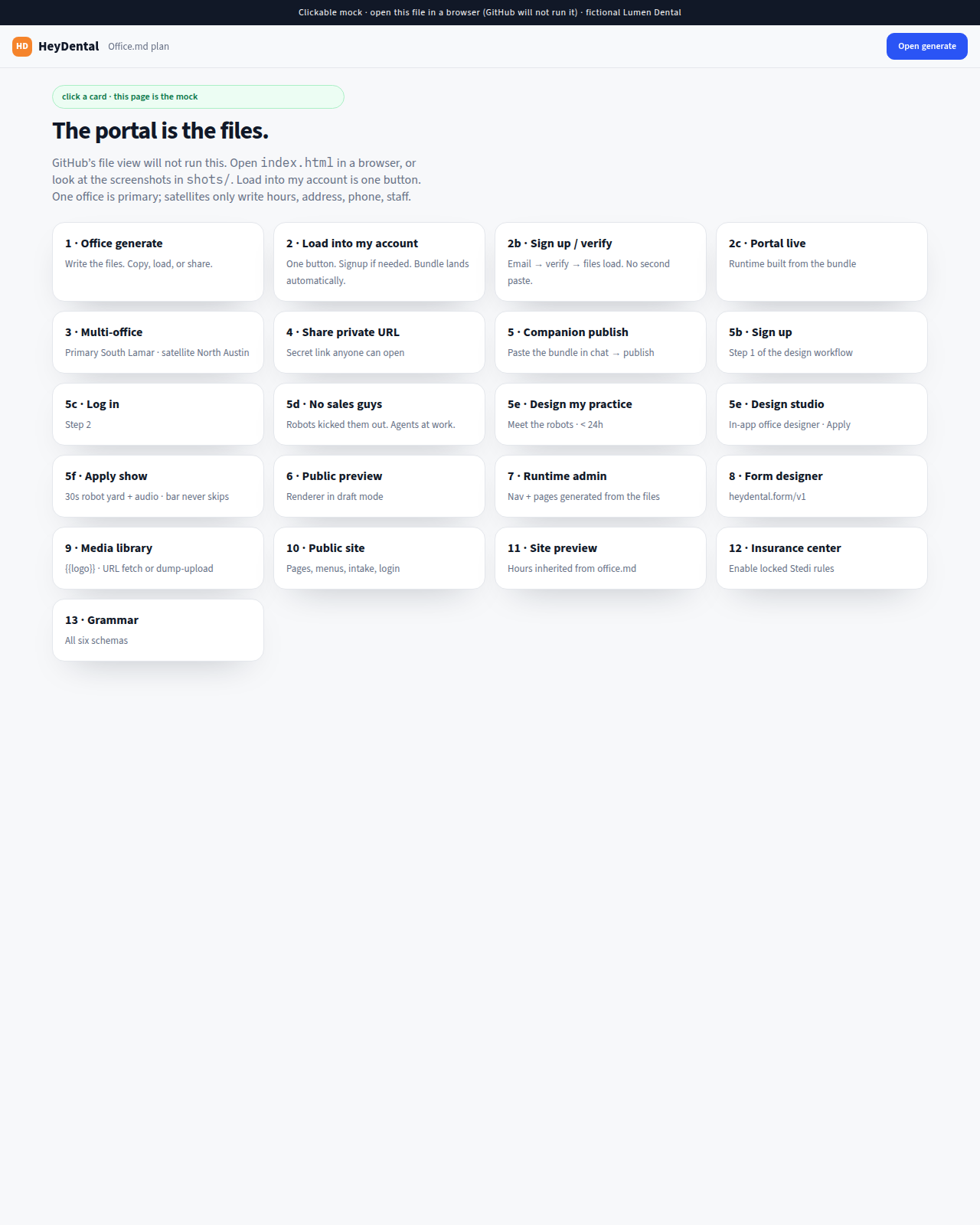
Foundations
Schedule, patient CRM, site, and staff ops in one OS
- One clock — hours, booking, and agents share the same open/closed truth.
- Patient CRM — chart, messages, and follow-ups on one thread — not a Sheet per channel.
- Public site included — practice presence that inherits hours and services.
- Staff density — compact admin chrome built for the desk, not a generic SaaS dashboard.

Insurance Center
Eligibility and payer ops with live tools
- First-class checks — waiting periods, frequency limits, and network status — not a chatbot restating the EOB.
- Desk + chairside — front desk and clinical capture share the same insurance lane.
- Visible controls — owners see what is on; no black box labeled “AI verified.”
- International-ready posture — country modules where they exist; spreadsheet+phone elsewhere gets a real workflow.


Financials
Quotes, AR, and an accountant desk that watches the floor
- Modern money rails — estimates and invoices that stay tied to the treatment plan thread.
- P&L + projections — owner language between patients, not a binder on Sunday.
- Statement upload — card exports and invoices reviewed with concrete next steps.
- Leakage flags — balances and write-offs that deserve a human call this week.



Telehealth
Schedule · email join · admit · done
- One room per visit — unguessable join link, max two people, closed when staff ends.
- Waiting room — patient consents and waits; staff admits before the video token is minted.
- Patient CRM — outcome note on the same visit thread — no Zoom sidecar.
- PHI-aware defaults — recording off; security / compliance / BCDR on Cloudflare + Twilio.
Platform wires Twilio Video once. Offices only see Enabled / Disabled — never API keys.

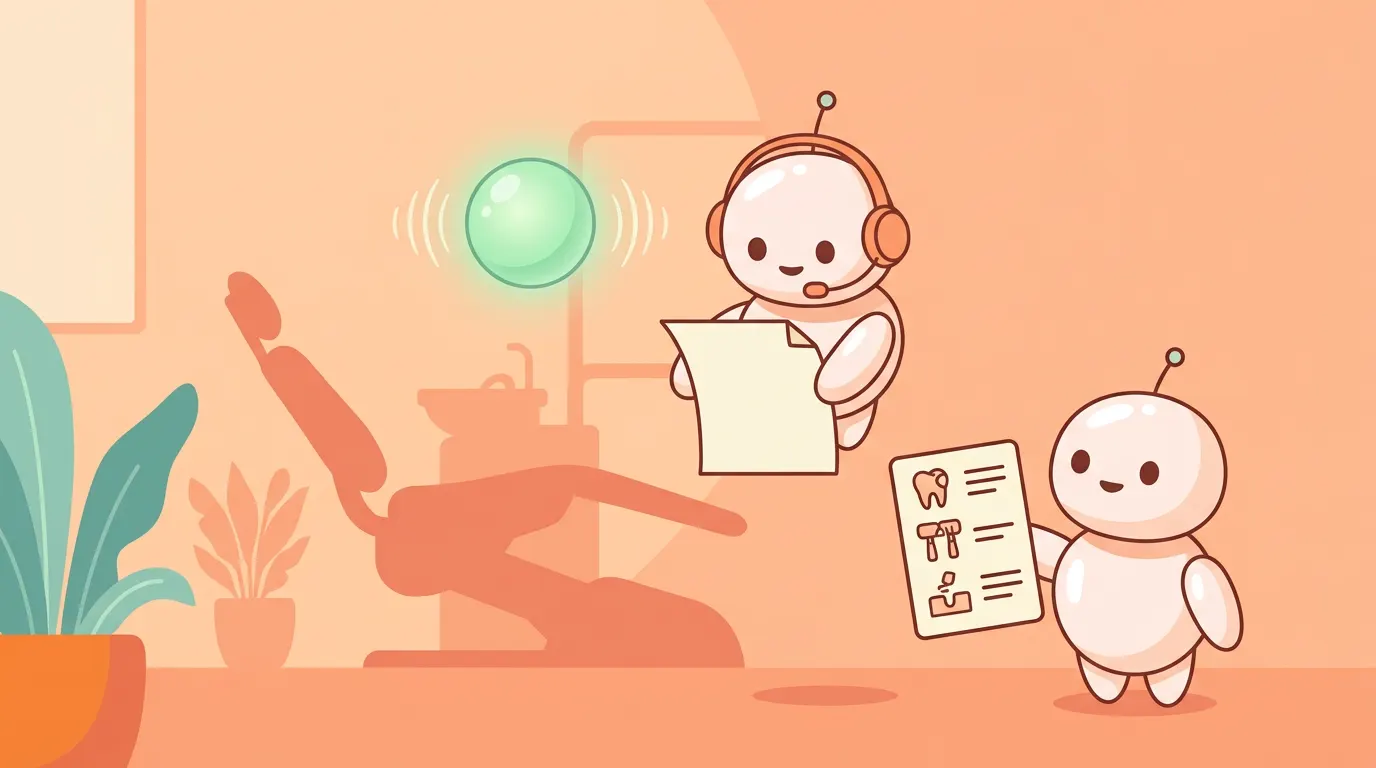
Agents that act
Phone, inbox, and chairside helpers with live tools
- Phone agent — overflow and off-hours with a clear AI disclosure.
- Inbox + reminders — confirms and nudges that stay on the patient thread.
- Susan AI — chairside note and code lookup without another dashboard tab.
- Team briefs — daily and weekly wraps so the floor starts aligned.
International takeaway
| Reality in many markets | With HeyMedical |
|---|---|
| Book on Calendly, chat on WhatsApp, pay on a card reader, chart elsewhere | Schedule, messages, money, and follow-up share one practice OS |
| Each tool looks cheap until you count missed chats and empty chairs | Agents work the full loop — not one booking link |
| Local or cloud PMS still leaves marketing, phone, and chase to other apps | Those jobs graduate into the agent team instead of another login |
Where HeyMedical wins
- Consolidation without the beige client. You are not forced to choose “legacy PMS forever” or “twelve SaaS tabs forever.”
- Agents that act. Booking, reminders, insurance checks, finance follow-through, and telehealth admit use live tools — not a chat box beside yesterday’s schedule.
- Integrated telehealth. Video visits share schedule, join email, waiting room, and outcome notes — instead of a Zoom link in the chart.
- International by design. The comparison is against how clinics actually operate worldwide, including markets where Calendly + WhatsApp is the front desk.
- Less shadow data. Patchwork stacks multiply patient copies across Meta, Sheets, and Drive. HeyMedical is built so agents do not need a souvenir warehouse to work.
HeyDental is the dental vertical on the same platform family. If you run a medical or dental clinic and want the floor on agents — not on duct tape — get on the waiting list.