
Feature · Telehealth
Video visits inside the practice OS — not another Zoom tab.
Schedule the visit, email a single join link, hold the patient in a waiting room, admit, run a 1:1 call, and write the outcome on the same patient record. Built for clinics that take security, compliance, and BCDR seriously.



01 · Product flow
From book to outcome note — one loop
Staff start the visit. Patients never hunt for a meeting ID. The room dies when the visit ends.
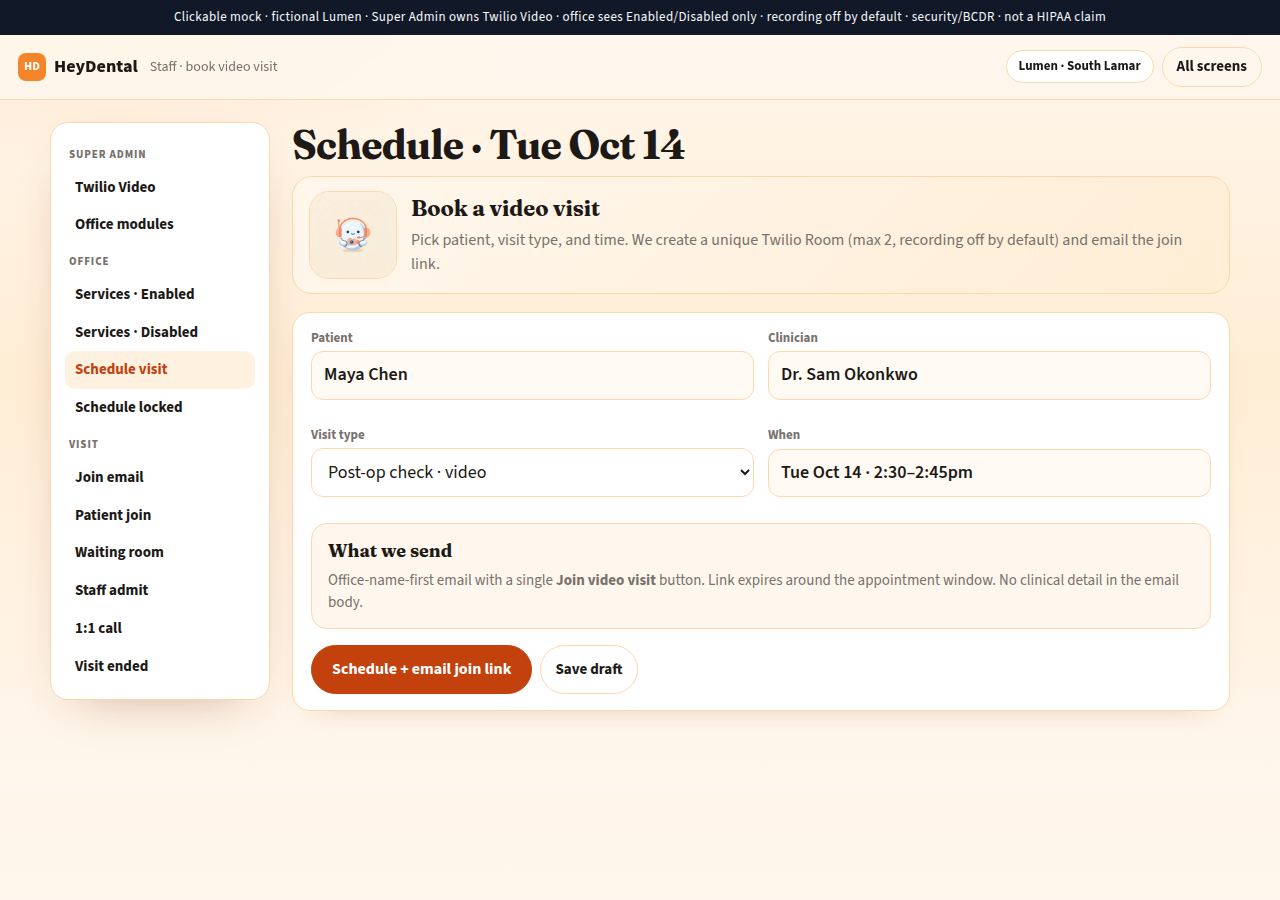
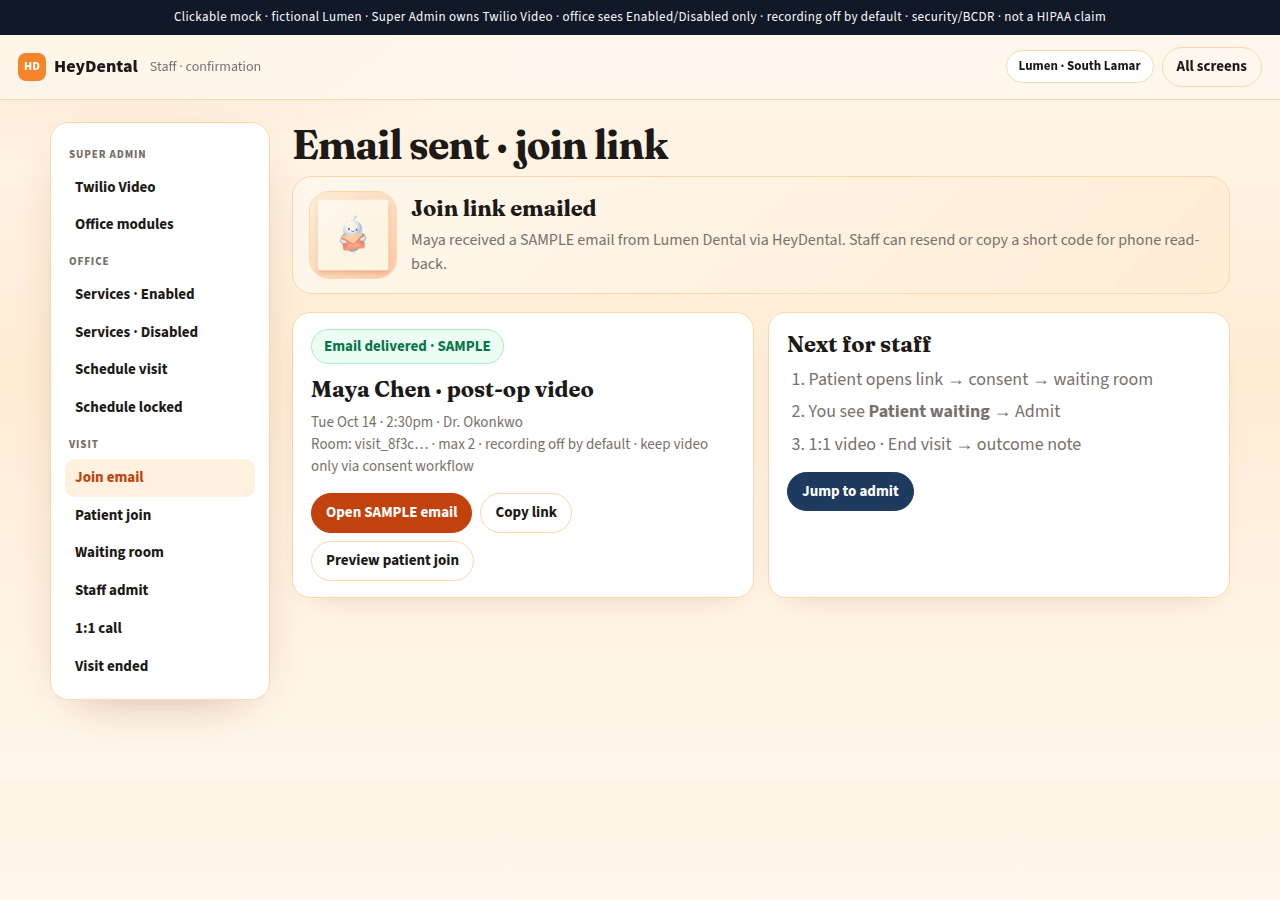
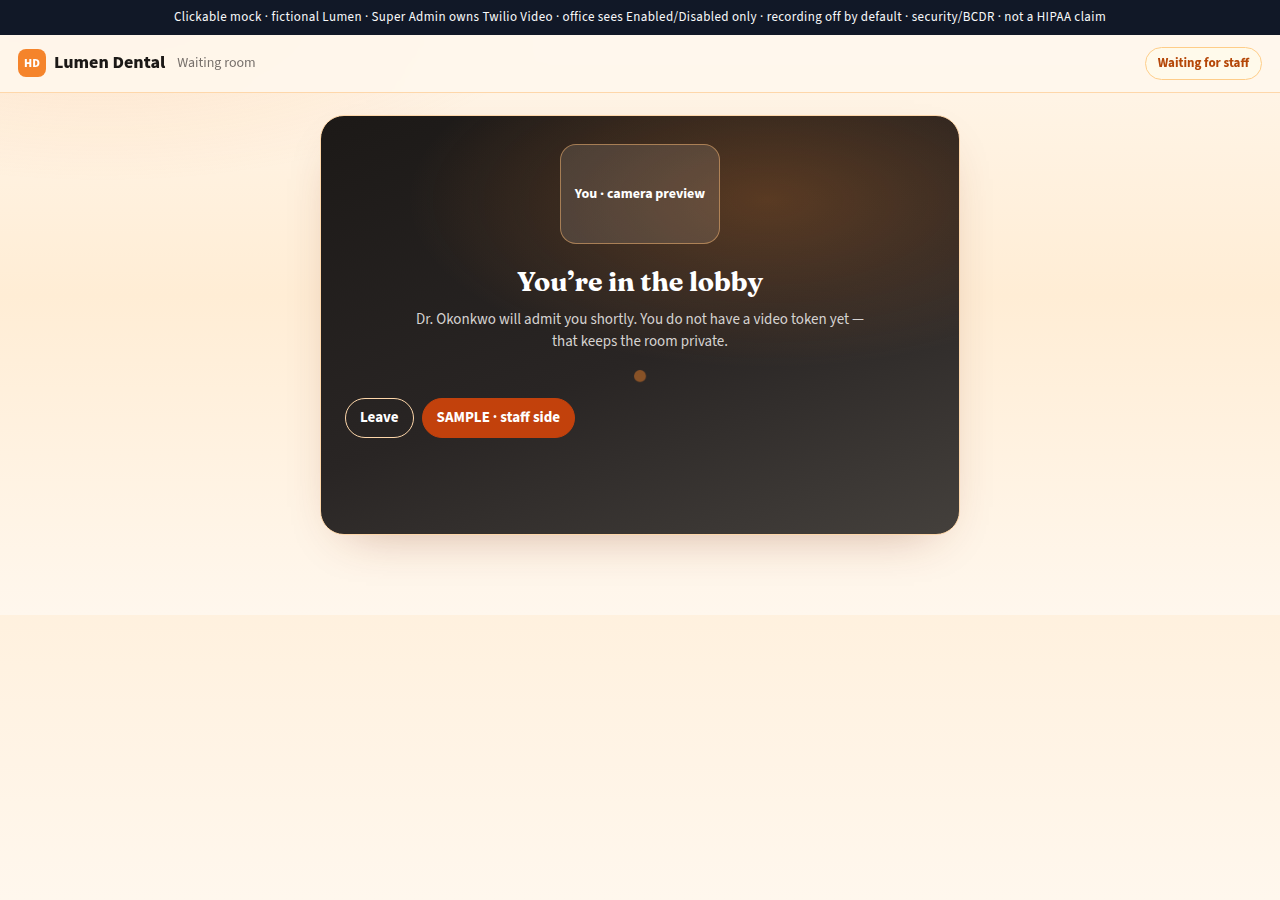
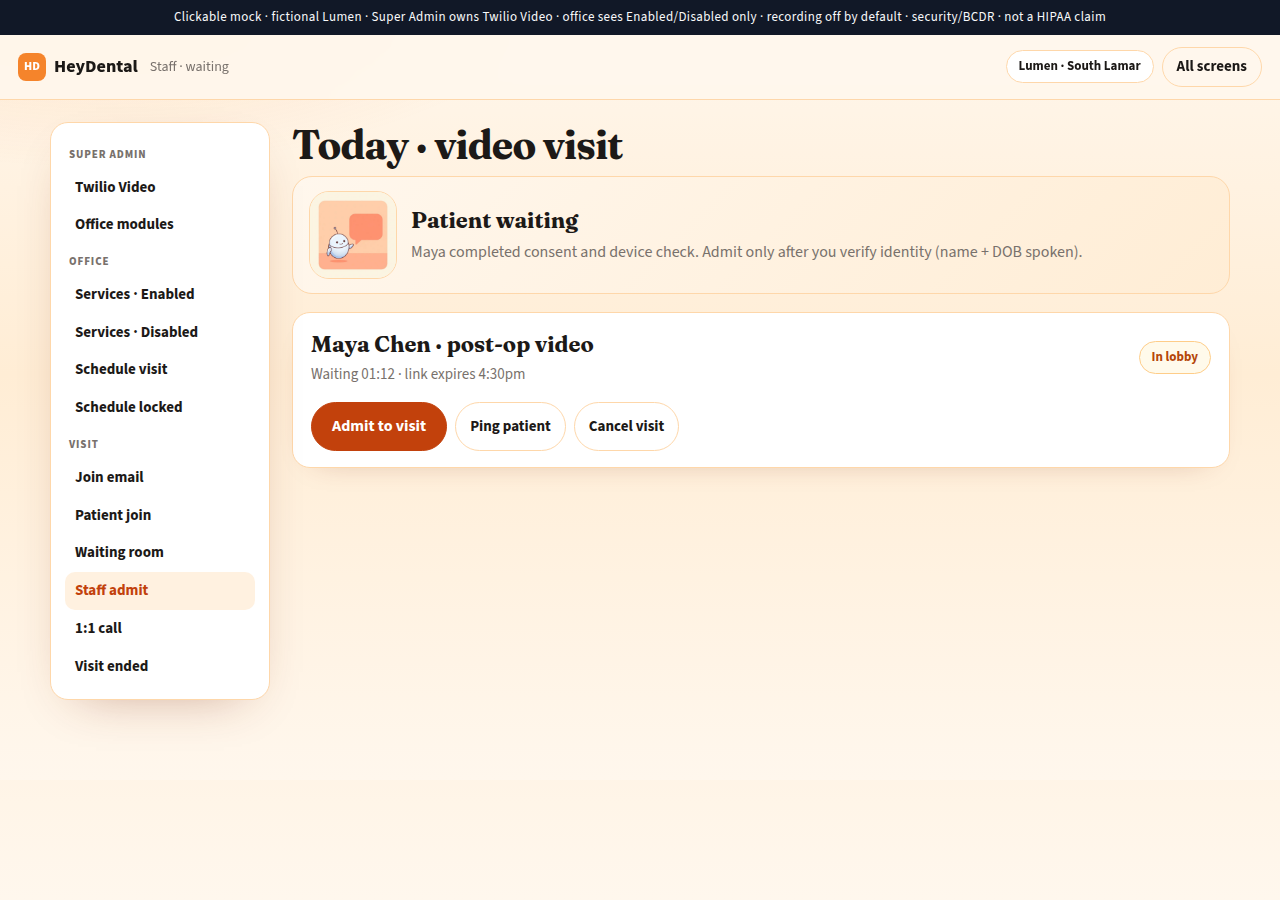
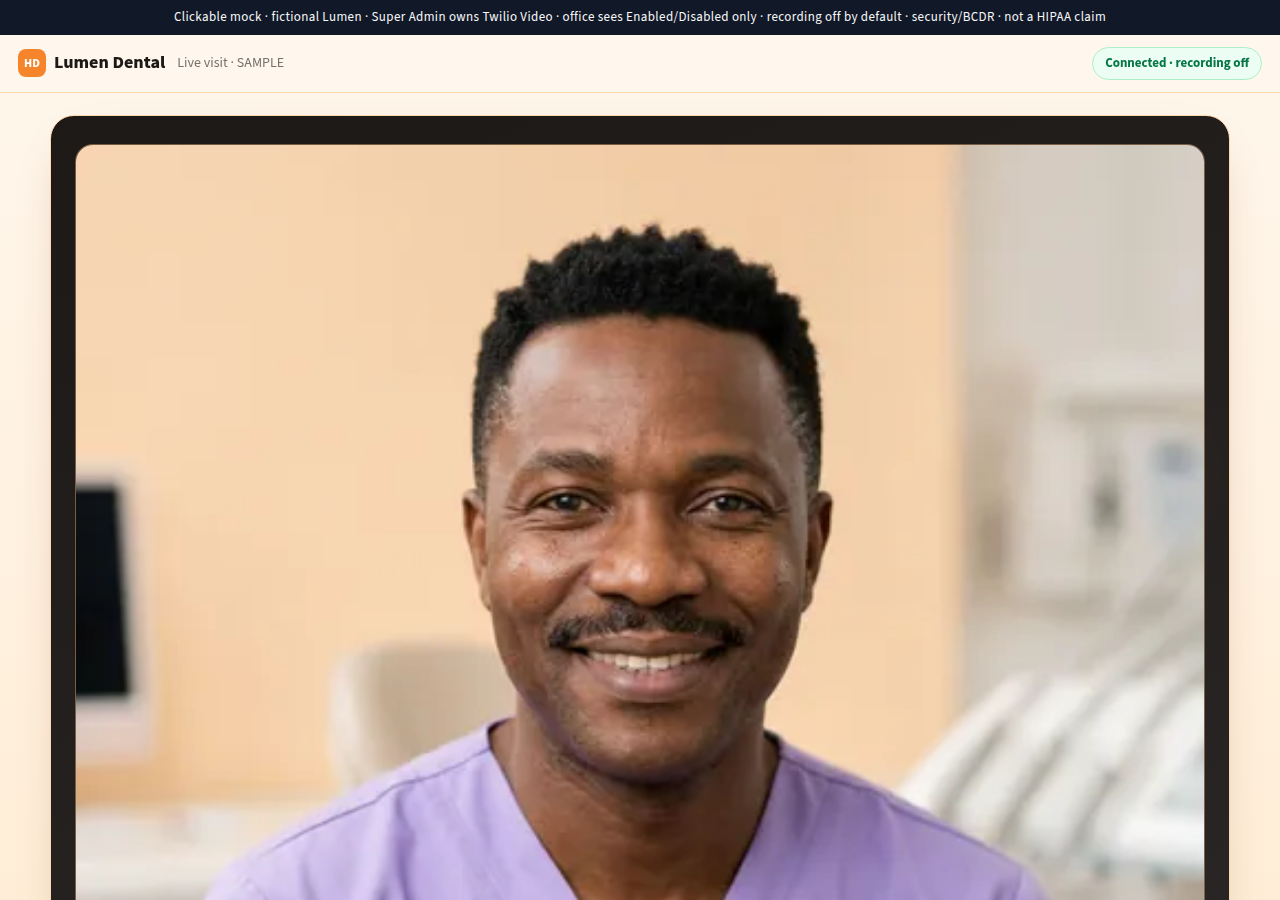
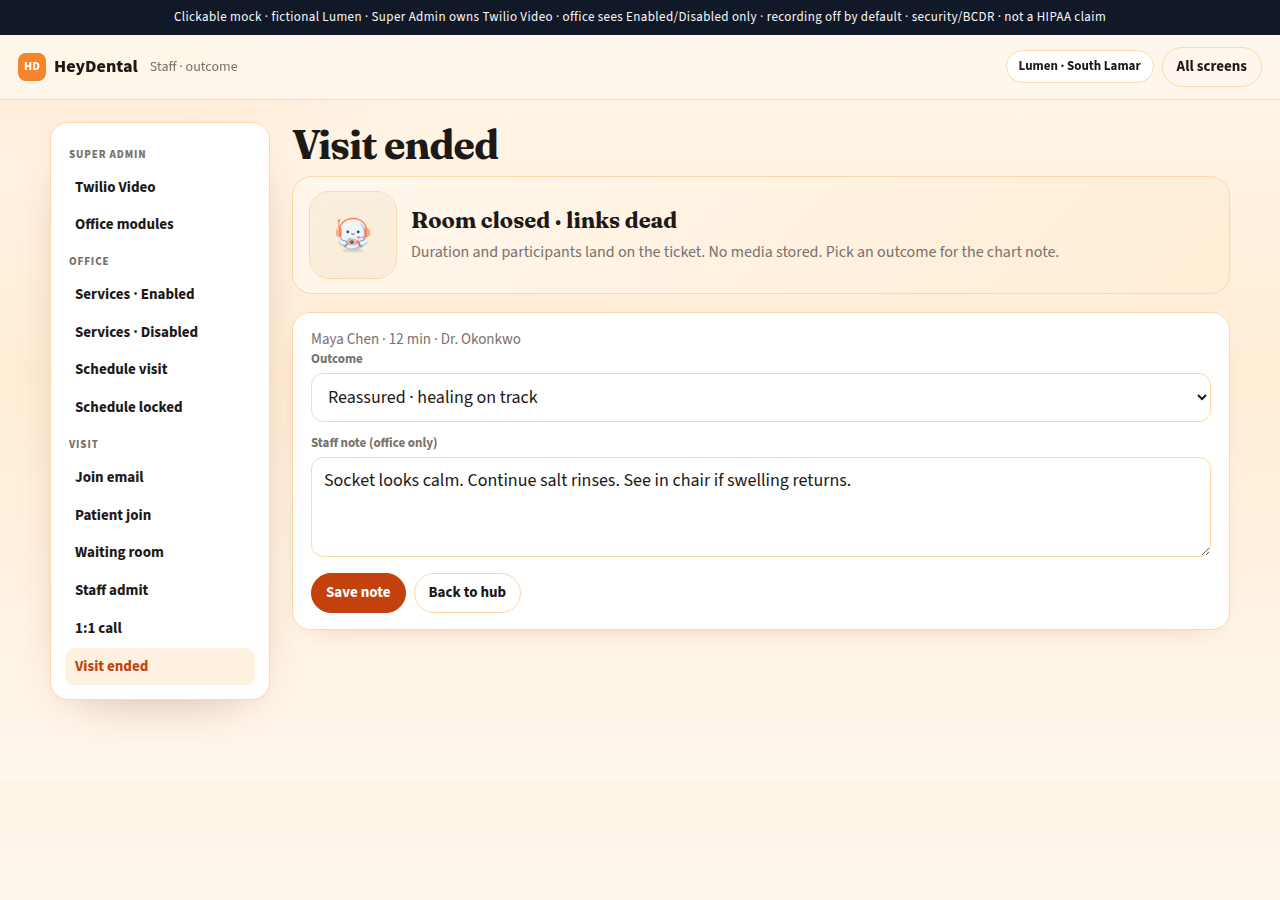
Click through the full SAMPLE: /_preview/telehealth/ · schedule · email · join · waiting · admit · call · ended.
02 · Patient CRM
Integrated with the patient record — not a sidecar
Telehealth is a visit on the same practice OS as schedule, inbox, and chart notes. No orphan Meet links. No second login for the clinician.
- Same patient thread Visit type, time, clinician, duration, and outcome land on the patient / ticket — next to recalls and messages.
- Outcome picklist + note Reassured · schedule in-chair · refer · ER — plus a short staff note. No media stored for MVP.
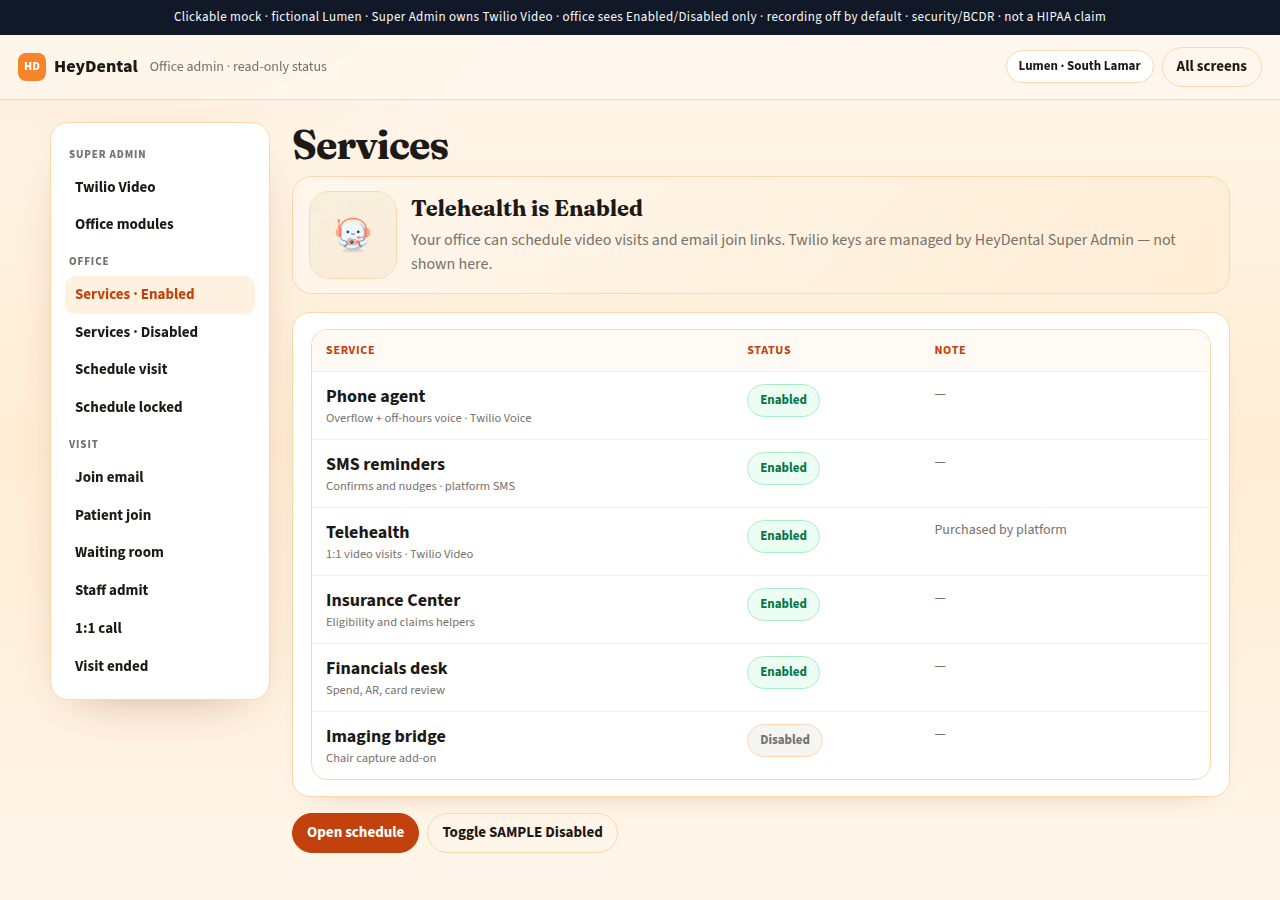
- Schedule is the source Book from the office schedule when Telehealth is Enabled. Disabled offices see a locked tip — not a DIY Zoom field.
03 · PHI · security · BCDR
Sensitive by default — clear about what we do and don’t
We do not claim HIPAA compliance. We take security, compliance, and business continuity seriously on Cloudflare + Twilio.
| Topic | We do | We don’t |
|---|---|---|
| Live visit | Stream for the appointment; close the room when it ends | Keep reusable office-wide rooms or immortal links |
| Recording | Default off. Keeping a video is a provider + patient consent workflow | Silently record or auto-archive visits |
| Join links | Single-visit, expiring, unguessable; no patient name in the URL | Put chart detail in the email body or public path |
| Tokens | Short-lived Access Tokens after staff admit (patient) or staff session | Ship Auth Token or API key secrets to the browser |
| Chart / ticket | Duration, participants, outcome, staff note | Clinical narrative in SMS/email |
- Emergencies Consent copy says this is not for life-threatening emergencies — call local emergency services.
- BCDR Visit state in our SoR with backups; webhook retries + timeout sweep so rooms don’t stay open forever if a callback fails.
04 · Platform ownership
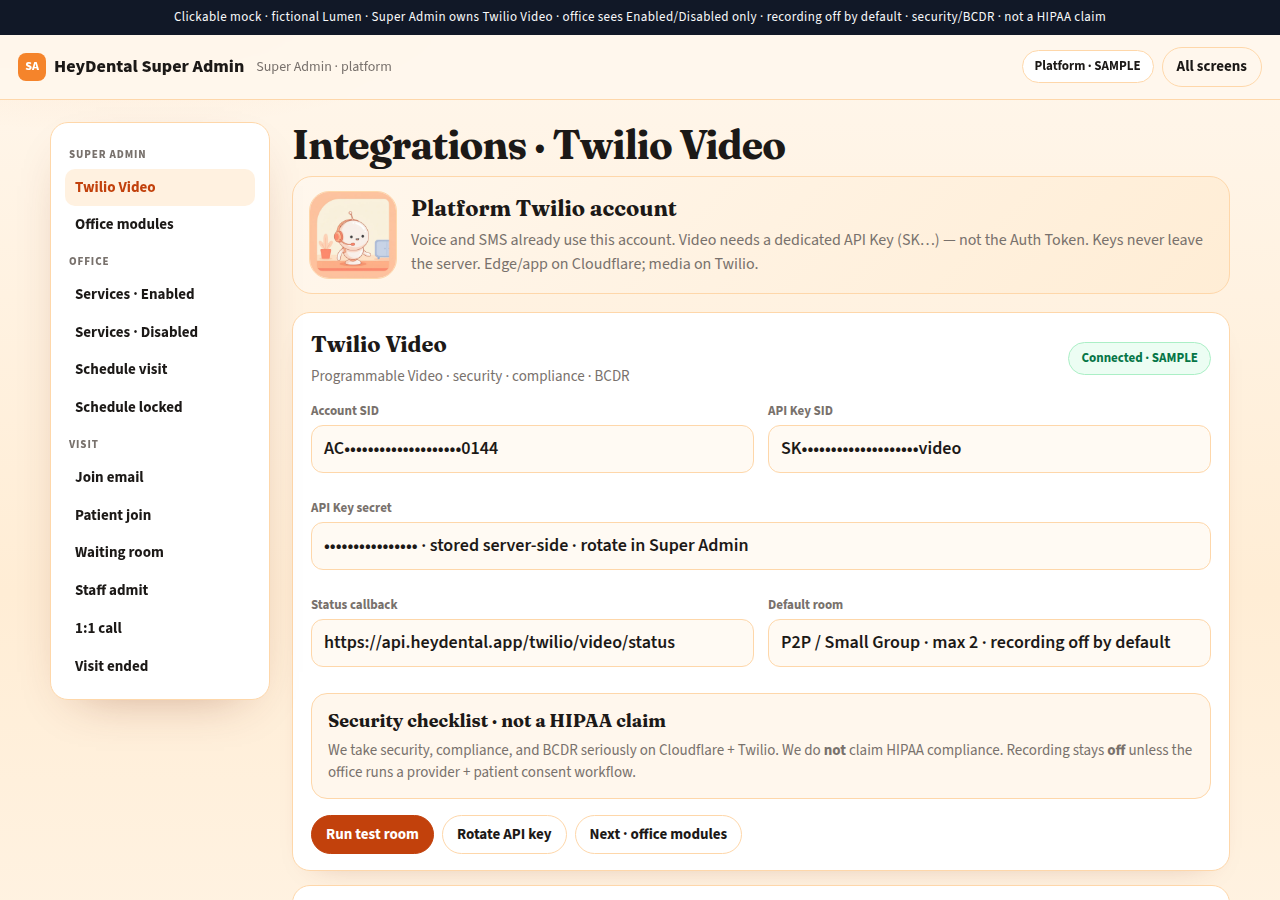
Super Admin wires Video. Offices only see Enabled / Disabled.
05 · Why this feels robust
Built like the rest of the platform — not a bolt-on widget
- State machine you can audit scheduled → waiting → admitted → active → ended. Start, admit, token mint, and end are logged by visit id.
- Mock mode for demos and tests Blank Video API keys → fake tokens and rooms so UI and training work without burning minutes.
- Same peach density as admin Compact staff and Super Admin chrome; patient join is a focused, calm flow — not a marketing landing page mid-call.
- International posture Security / compliance / BCDR language — not a US-only HIPAA claim. Works beside WhatsApp/Calendly markets that still need a real visit record.
See telehealth in the full comparison
HeyMedical vs traditional PMS vs cloud PMS vs patchwork tools — including the telehealth row.